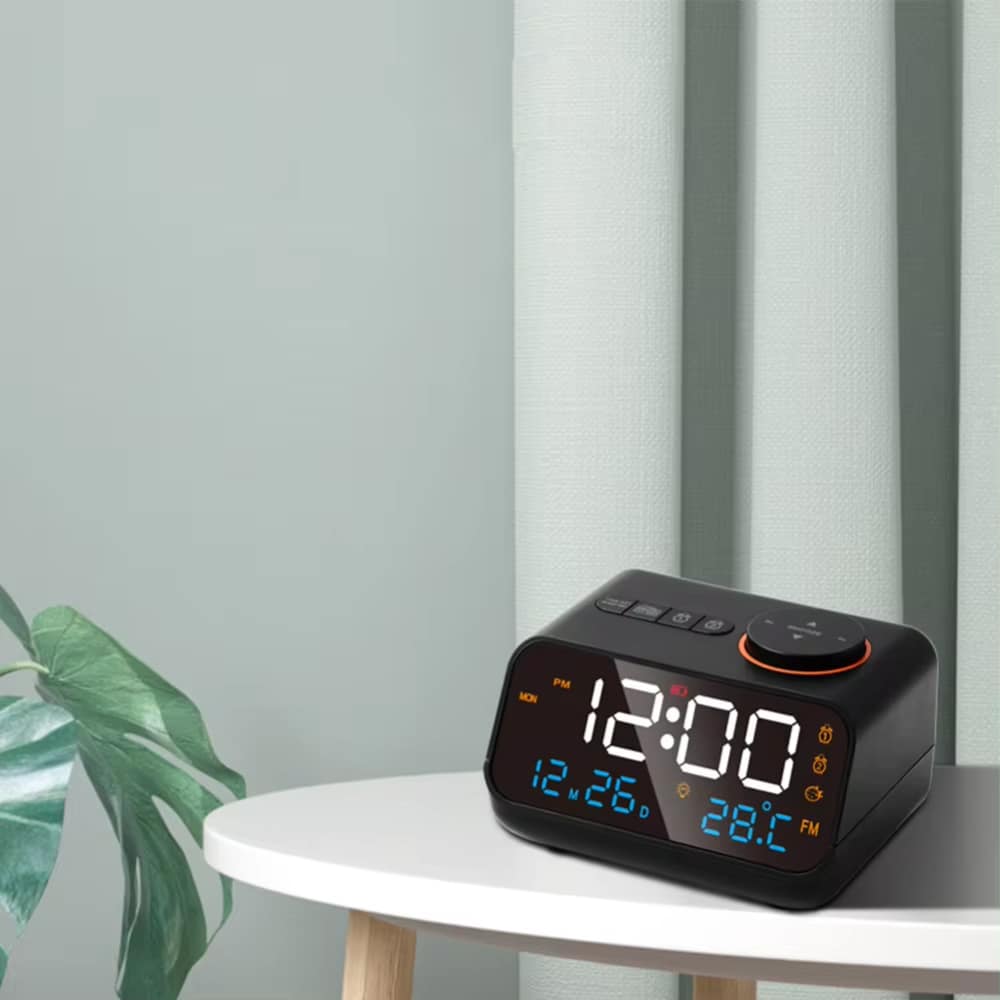
Wake Up Refreshed Every Morning with the Dawlody Clock Radio
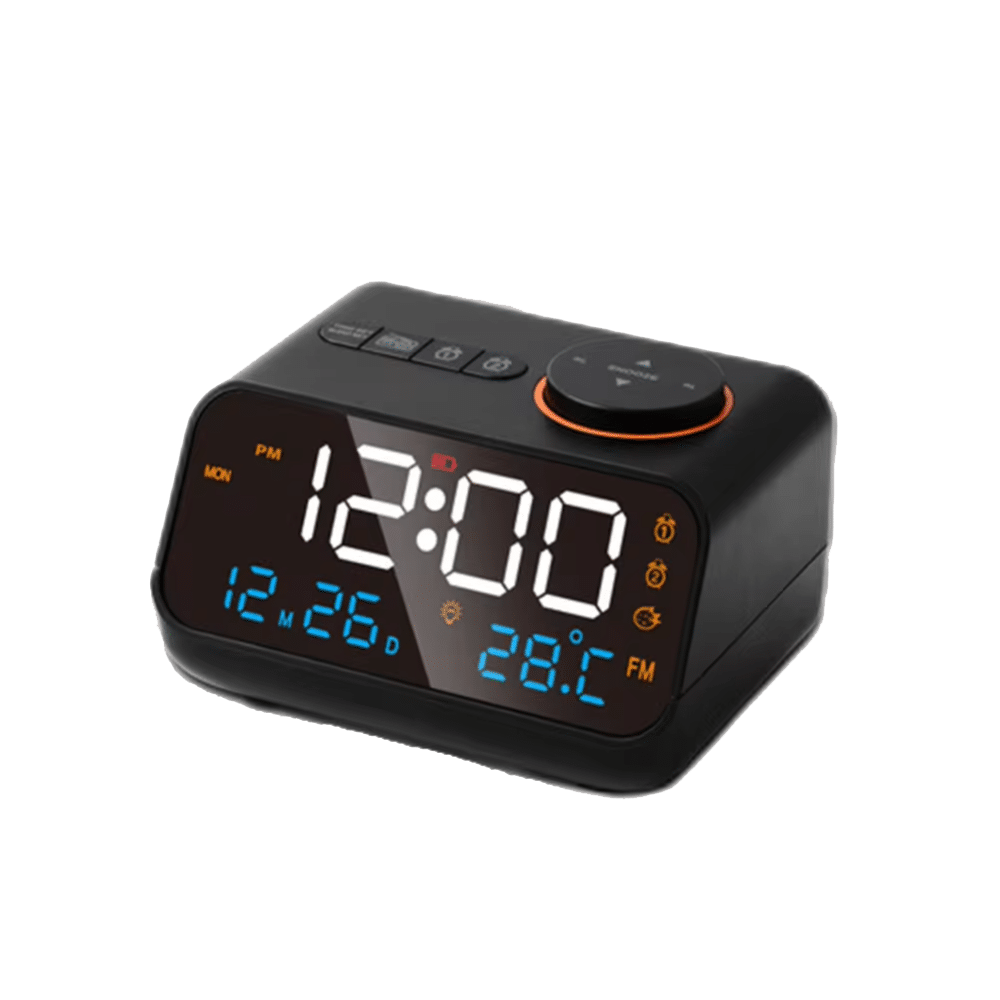
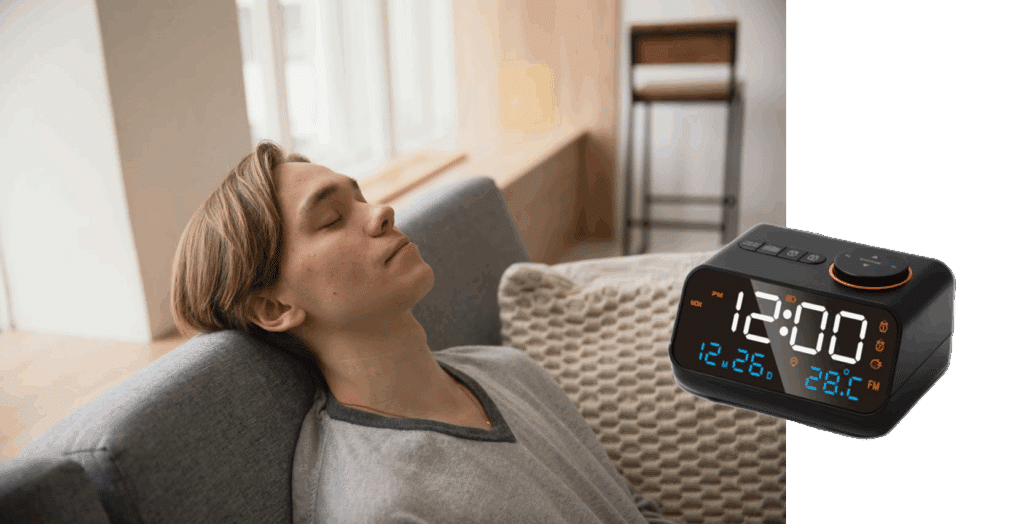
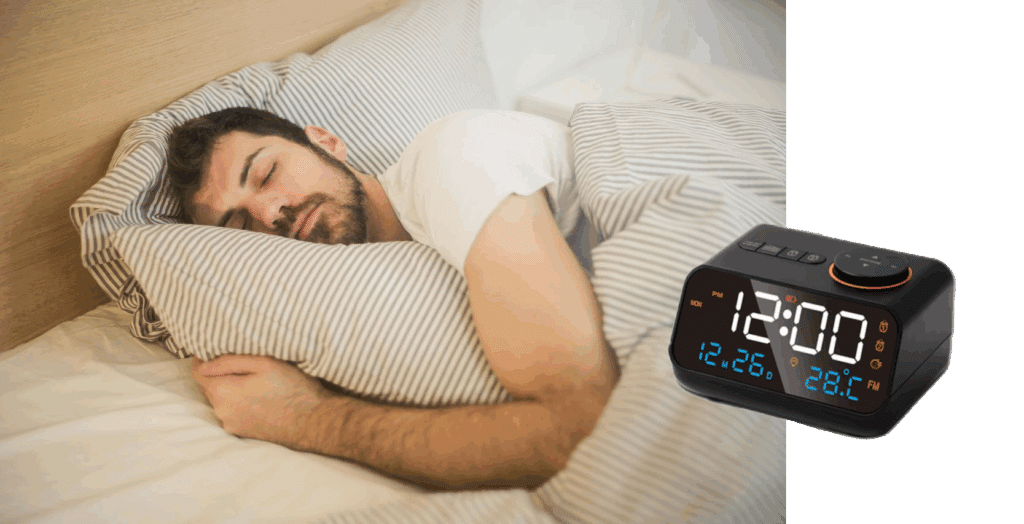
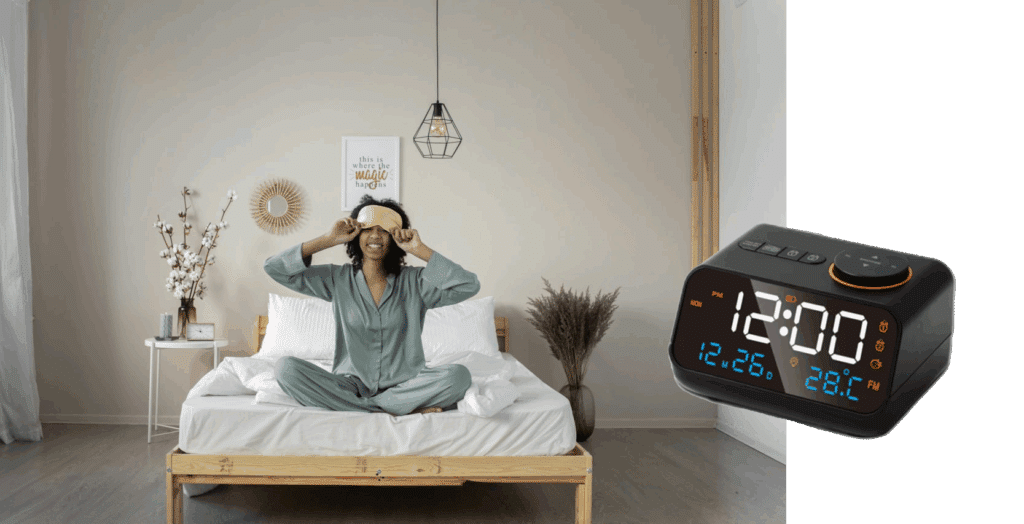
Transform your mornings with the Dawlody Clock Radio, designed to optimize your sleep routine while keeping your devices charged and ready. Experience the perfect blend of functionality and convenience.
Experience Better Mornings and Smarter Sleep Management with Dawlody Clock Radio
Tired of Missing Important Wake-Up Times?
The Dawlody Clock Radio’s dual alarm system lets you set separate wake times for different schedules. Perfect for couples or weekday versus weekend routines, ensuring you never oversleep again.
Worried About Dead Phone Batteries Overnight?
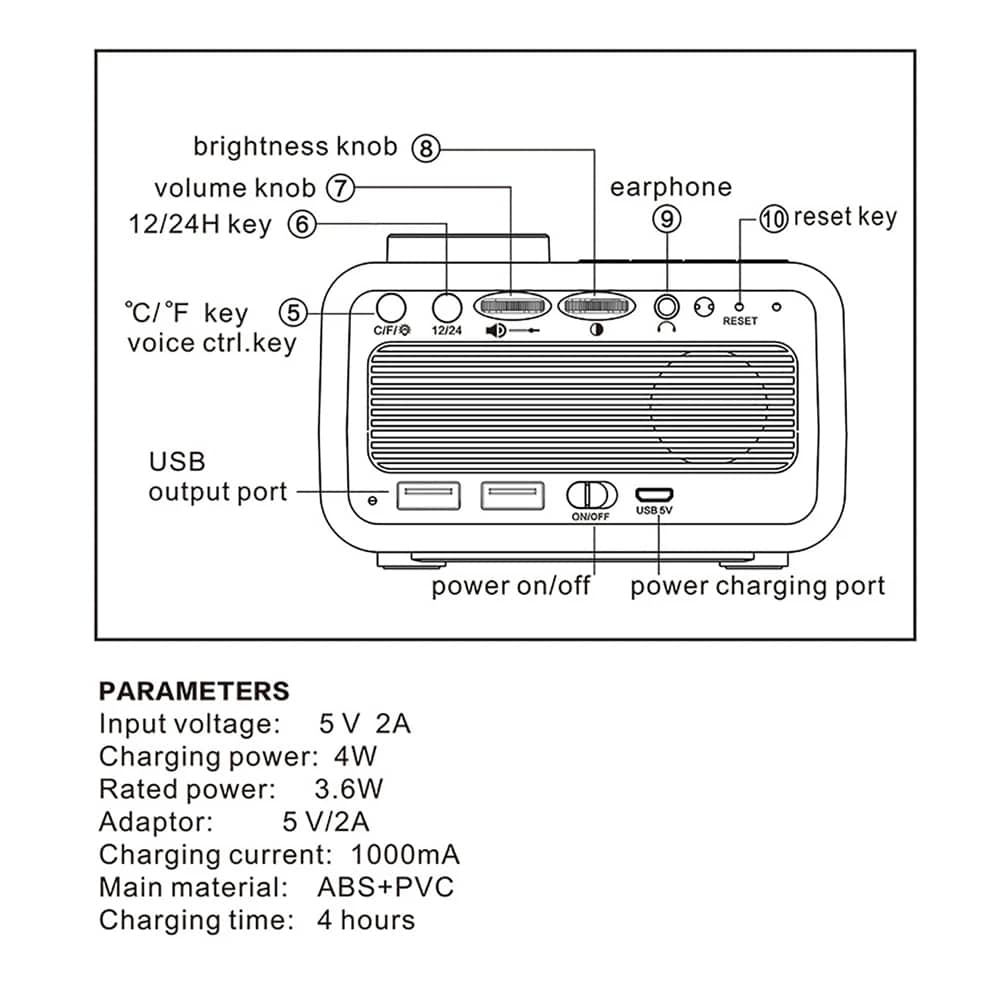
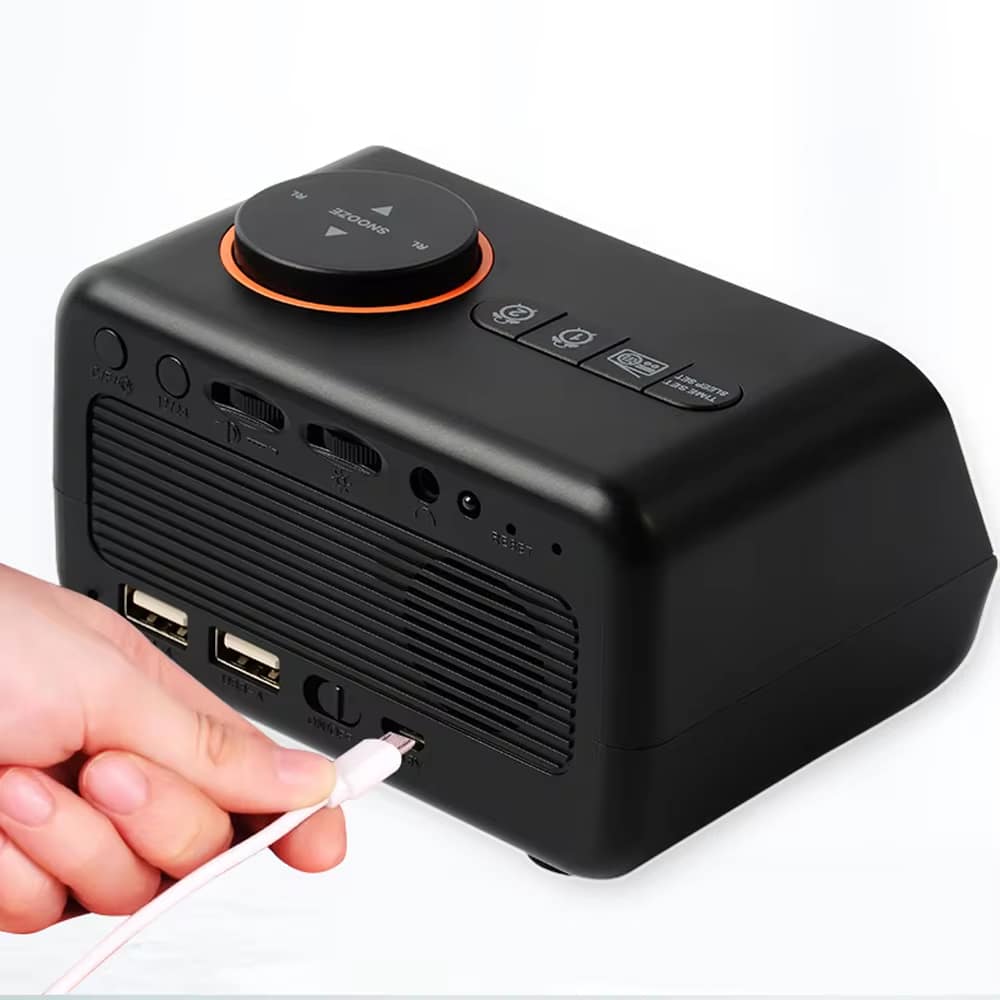
Keep your smartphone and tablet fully charged overnight with dual USB ports built into the Dawlody Clock Radio. No more searching for outlets or waking up to dead devices.
Looking for Complete Time Management Solutions?
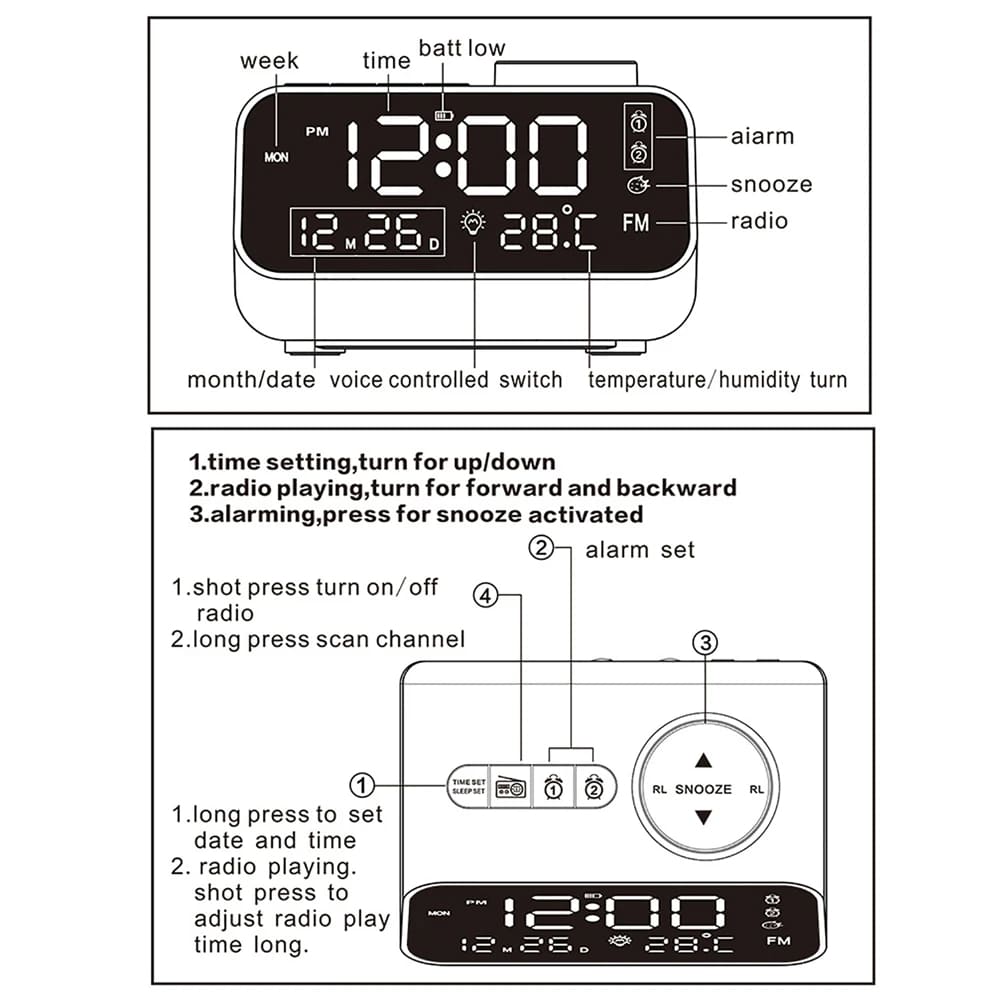
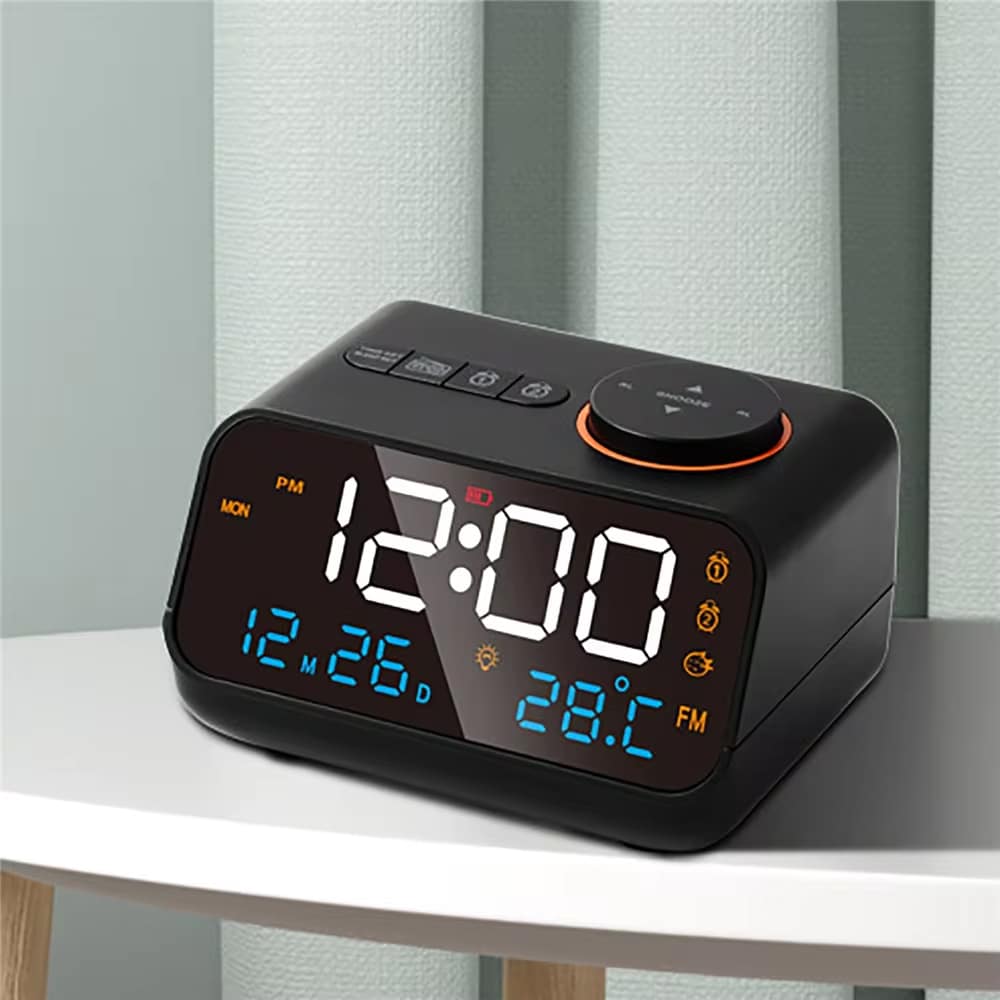
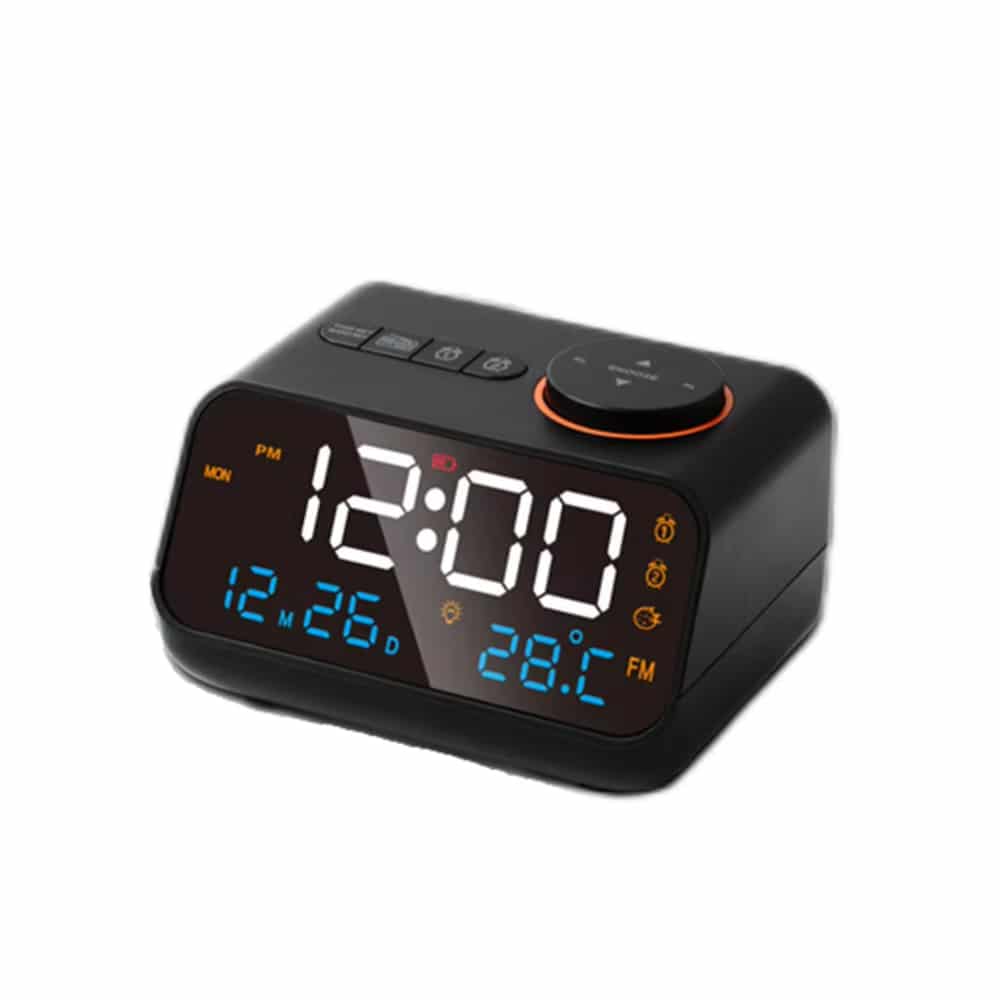
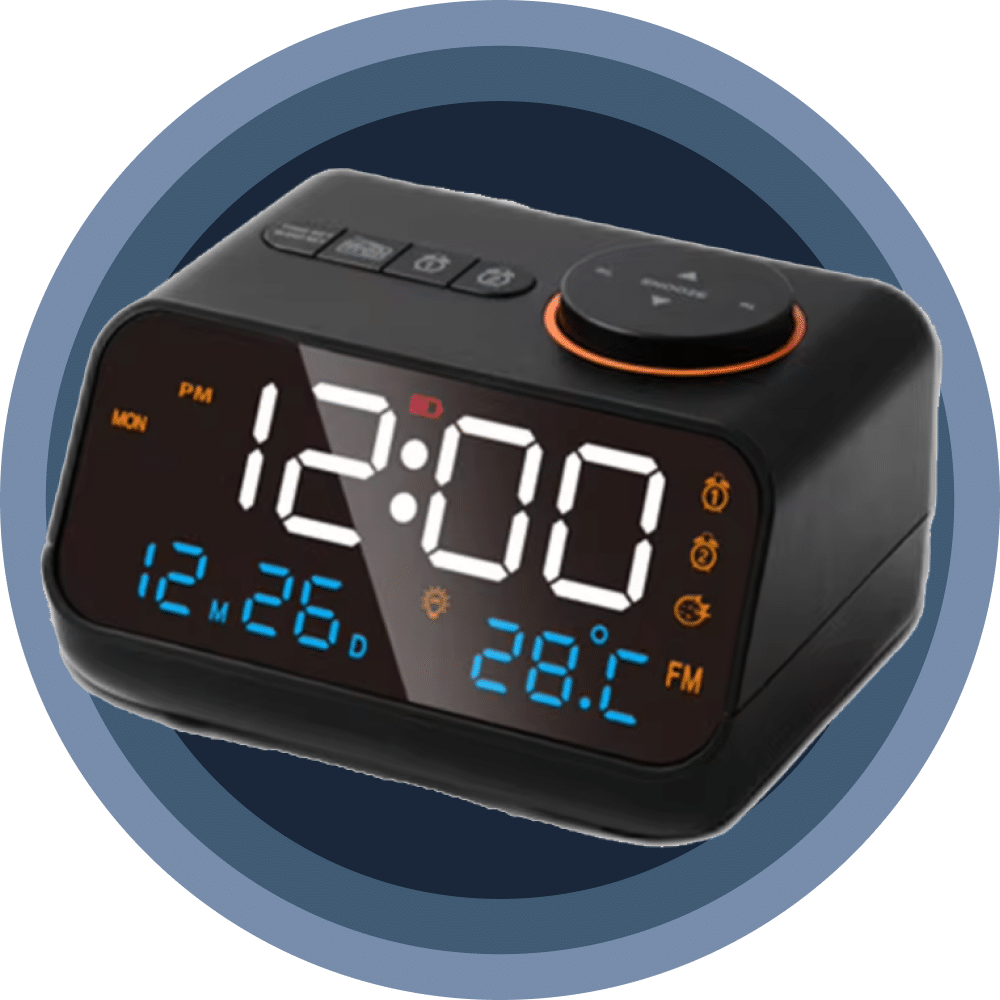
Stay organized with the Dawlody Clock Radio’s comprehensive calendar display showing day, date, and month. Switch between 12 and 24-hour formats to match your preference effortlessly.
Over 15,000 Users Loving Dawlody Clock Radio
4.8 rating based on total orders
Smart Features That Simplify Your Daily Routine Effortlessly
The Dawlody Clock Radio goes beyond basic timekeeping, offering practical solutions for modern lifestyles. Enjoy intuitive controls and versatile functionality in one sleek bedside companion.
The Dawlody Clock Radio delivers exceptional build quality with reliable performance. Its thoughtful design addresses real user needs while maintaining affordability and durability.
Why Choose the Dawlody Clock Radio for Your Bedroom
Dawlody FEATURES ALL YOU CAN EXPECT:
DUAL ALARM FLEXIBILITY
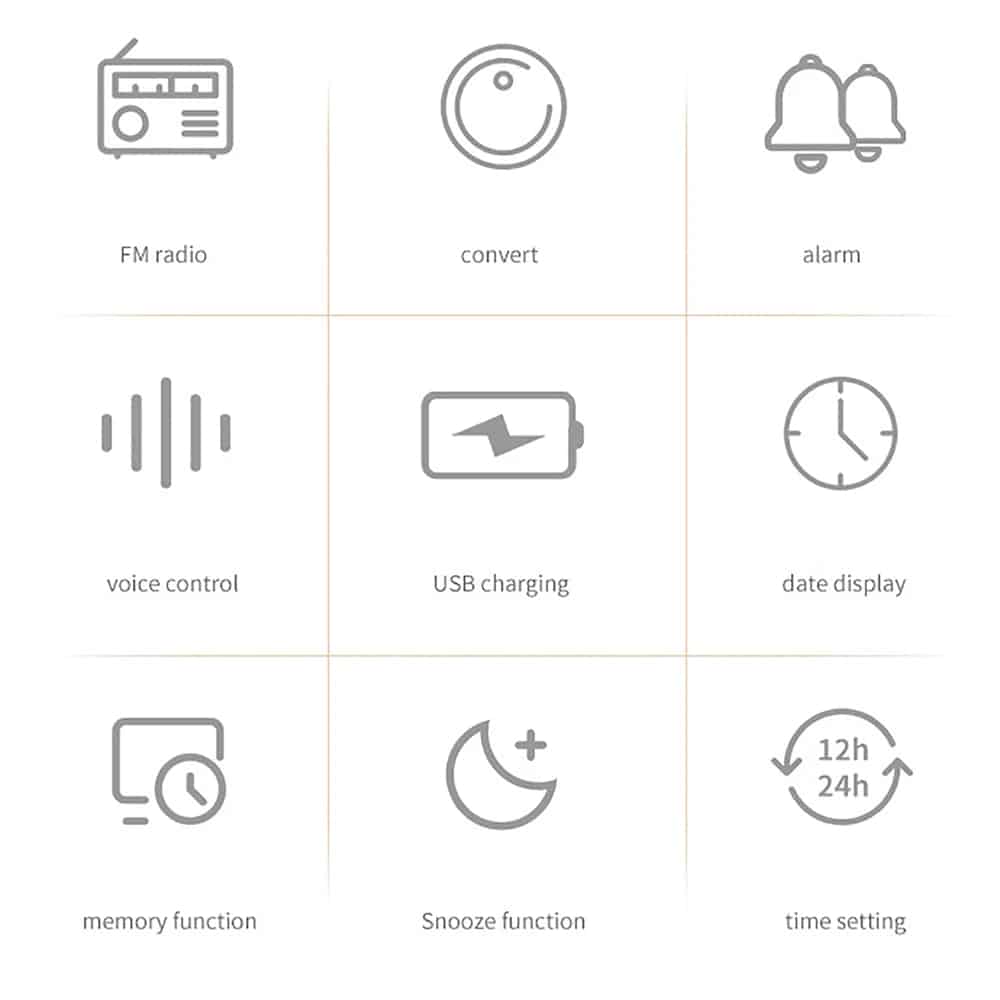
Set two independent alarms for different schedules, perfect for couples with varying routines or weekday versus weekend wake times, ensuring everyone gets up on time.
CONVENIENT DEVICE CHARGING
Charge two devices simultaneously with built-in USB ports, eliminating cable clutter and keeping your smartphone and tablet ready while you sleep peacefully through the night.
COMPLETE TIME INFORMATION
View day, date, and month at a glance alongside the time, helping you stay organized and never lose track of important appointments or scheduled events.
CUSTOMIZABLE DISPLAY OPTIONS
Switch effortlessly between 12-hour and 24-hour time formats based on your preference, providing flexibility for military time users or traditional clock format enthusiasts.
RELIABLE SNOOZE FUNCTION
Enjoy a few extra minutes of rest with the intuitive snooze button, giving you that perfect balance between waking gradually and ensuring you don’t oversleep.
SPACE-SAVING DESIGN
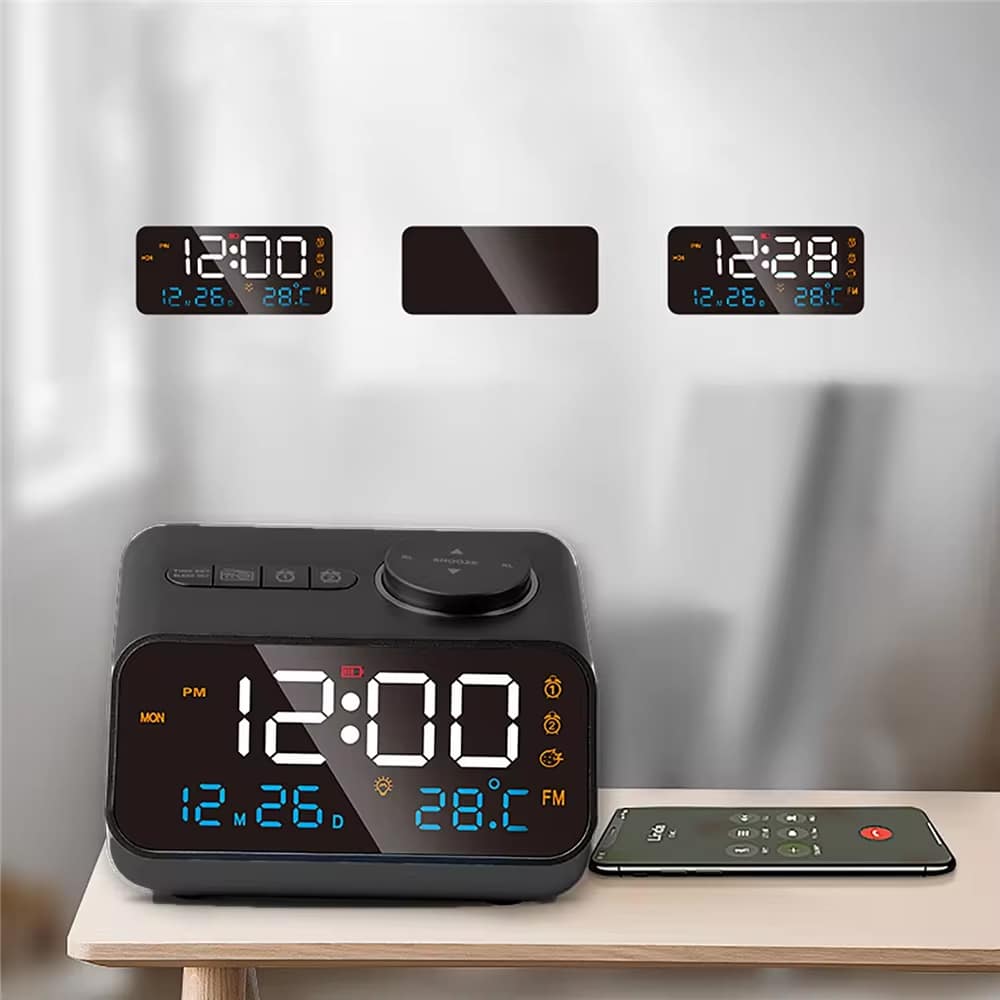
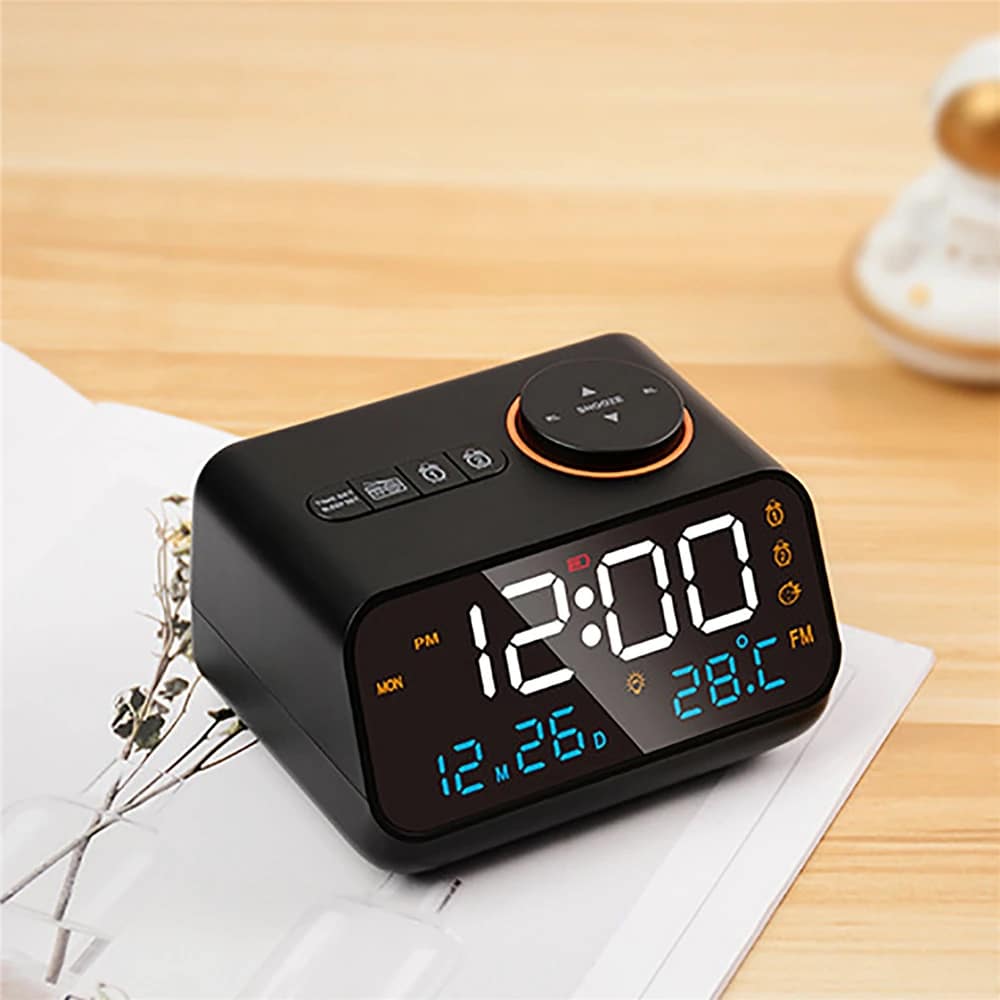
The compact footprint fits perfectly on any nightstand without overwhelming your space, maintaining a clean, organized bedroom aesthetic while providing full functionality.
Image Gallery
What's Included in the Dawlody?
Dawlody Clock Radio
USB Power Cable
Instruction Manual
24/7 Customer Support
Our top-rated customer service team is available seven days a week to address your questions via email or live chat. Simply reach out to us, and we’ll gladly assist you.
MEET THE Dawlody
Frequently Asked Questions
−How bright is the LED display at night?
The Dawlody Clock Radio features adjustable brightness levels, allowing you to dim the display for comfortable nighttime viewing without disturbing your sleep environment.
+Can I charge tablets and phones at the same time?
Yes, both USB ports work simultaneously with sufficient power output to charge a tablet and smartphone together overnight without any issues or reduced charging speed.
+Does the alarm get louder gradually or start at full volume?
The alarm starts at a moderate volume level that's effective for waking without being jarring, providing a balanced approach to morning wake-ups for most users.
+How long does the snooze function delay the alarm?
The snooze function provides a standard 9-minute delay, giving you enough time to rest briefly before the alarm sounds again for your wake-up call.
+Is the Dawlody Clock Radio easy to set up?
Absolutely. The Dawlody Clock Radio features intuitive controls with straightforward instructions, allowing most users to complete setup within just a few minutes of unboxing.
+Can I use only one alarm if I don't need two?
Yes, you can activate just one alarm and leave the second one disabled, giving you complete flexibility based on your daily schedule and needs.
+Does it maintain time during power outages?
The Dawlody Clock Radio includes battery backup capability to maintain time settings during brief power interruptions, though a backup battery is required for this feature.
+How do I switch between 12 and 24-hour formats?
Simply press the designated time format button to toggle between 12-hour and 24-hour displays instantly, with your preference saved automatically in the device memory.
TOP #1 FAVORITE Clock Radio
Trusted By Thousands Of Satisfied Customers
Sarah Mitchell
The Dawlody Clock Radio transformed my mornings! The dual alarms work perfectly for my husband and me, and charging our phones overnight is incredibly convenient.
VERIFIED BUYER
James Peterson
Best bedside clock I’ve owned. The calendar display keeps me organized, and the snooze function is just right. Simple to use and looks great too.
VERIFIED BUYER
Emily Rodriguez
Love this clock radio! The USB charging ports eliminated cord clutter on my nightstand. Clear display, reliable alarms, and excellent value for the price.