Transform Any Room Into a Home Theater with the WeezoRix Short Throw Projector
Enjoy stunning 720p cinematic visuals from just feet away, eliminating complex setup. Its smart connectivity and ultra-portable design deliver immersive entertainment anywhere you go with incredible ease.
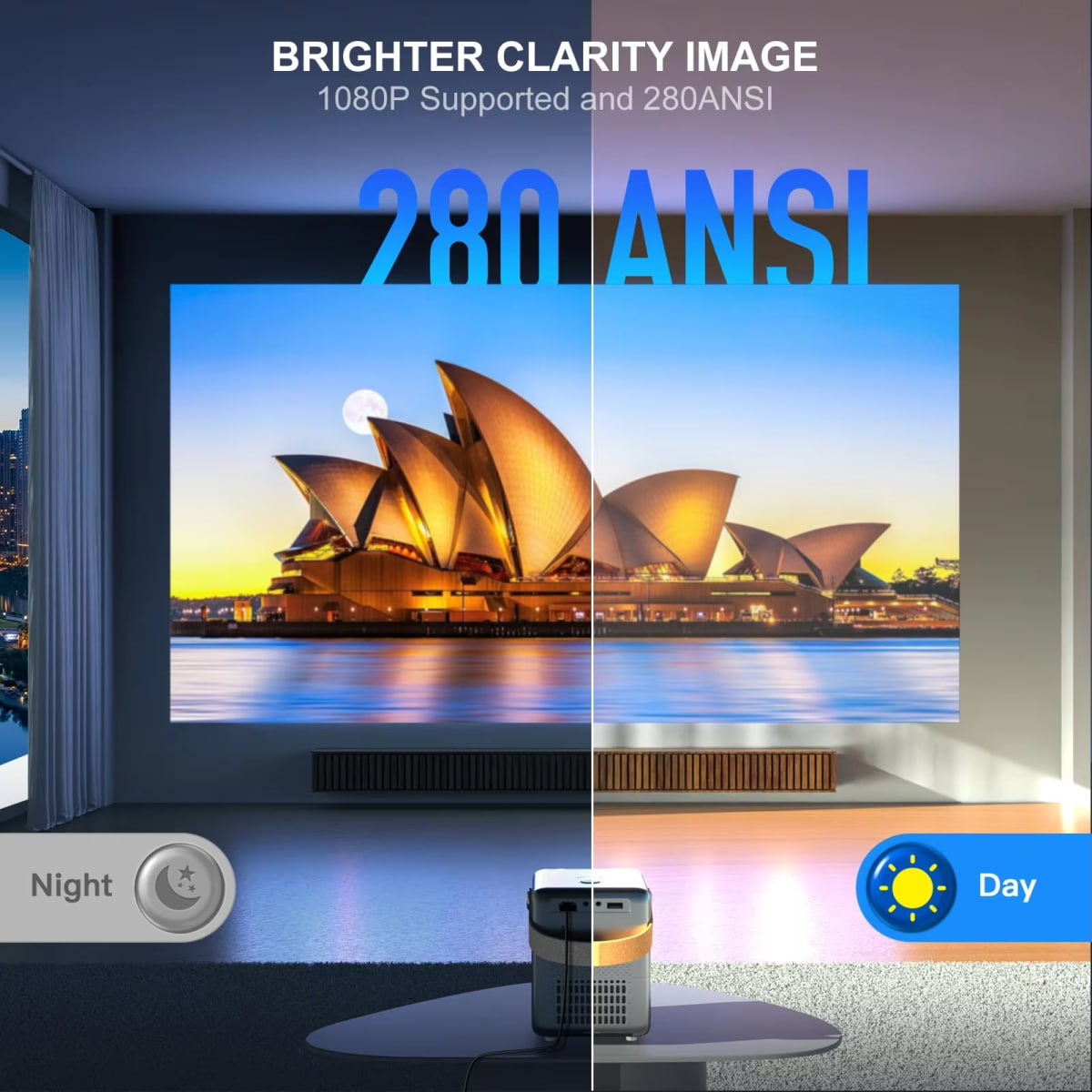
Native 720P HD Resolution For Crisp Visuals
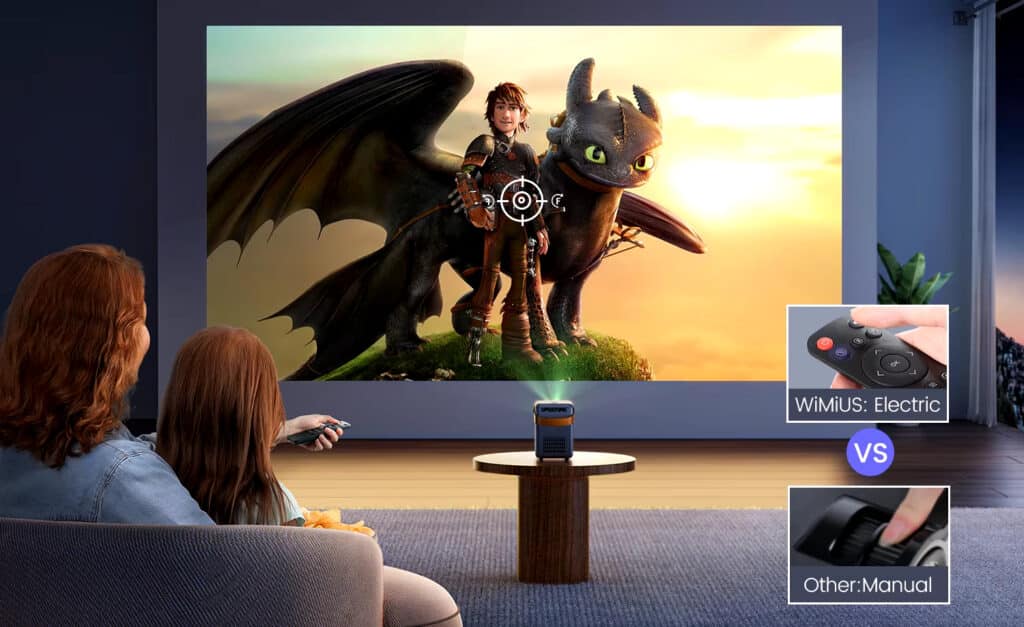
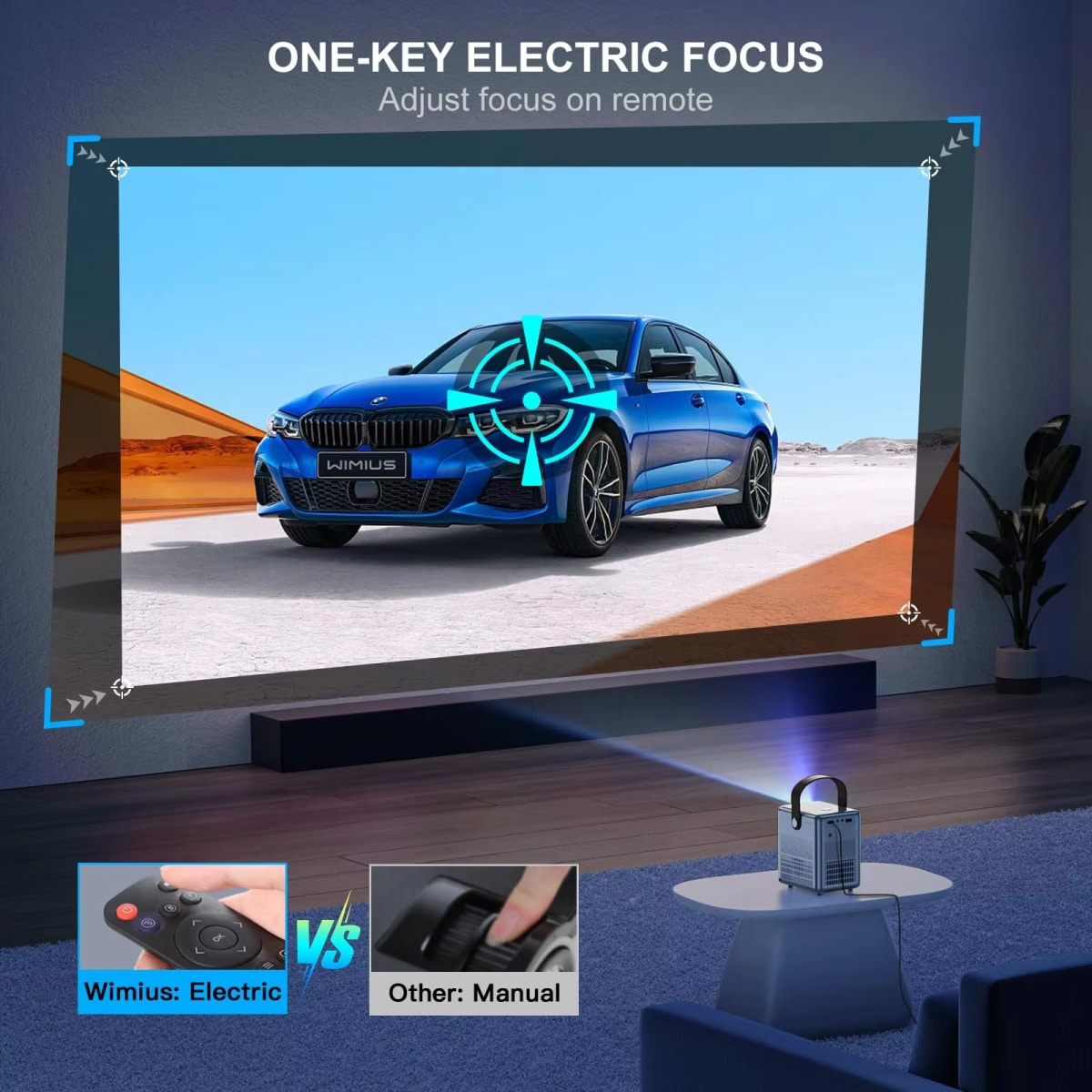
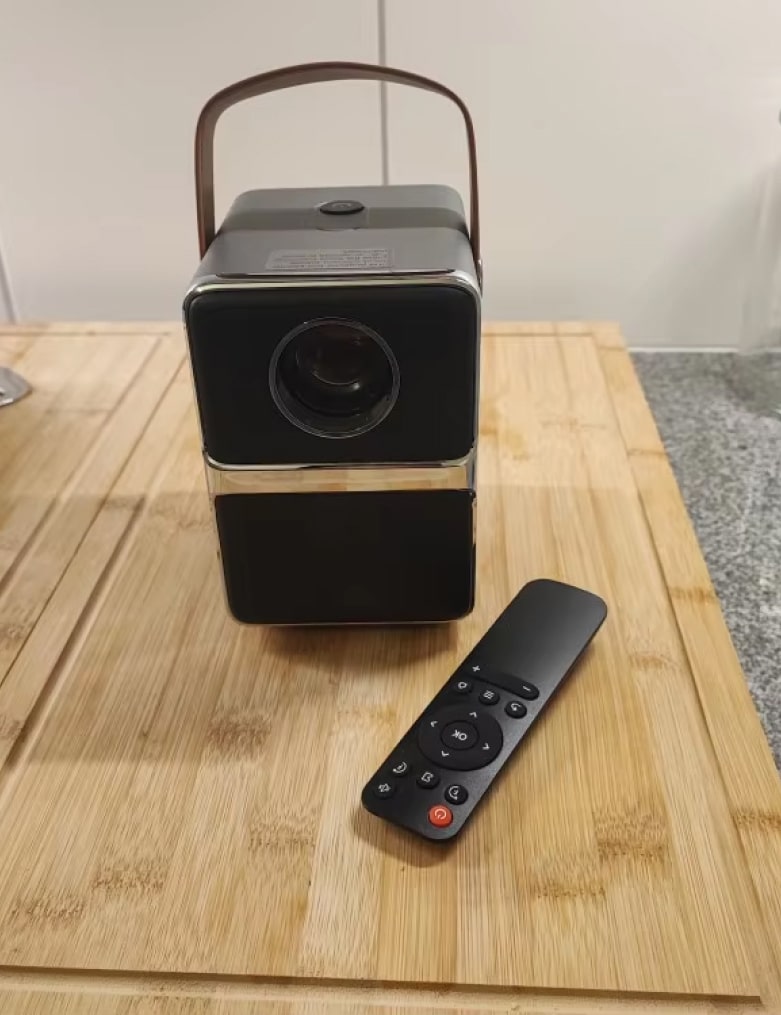
Remote-Controlled Electric Focus For Instant Clarity
Experience Unmatched Viewing Flexibility and Clarity with WeezoRix Short Throw Projector
Looking For A Truly Immersive Home Cinema?
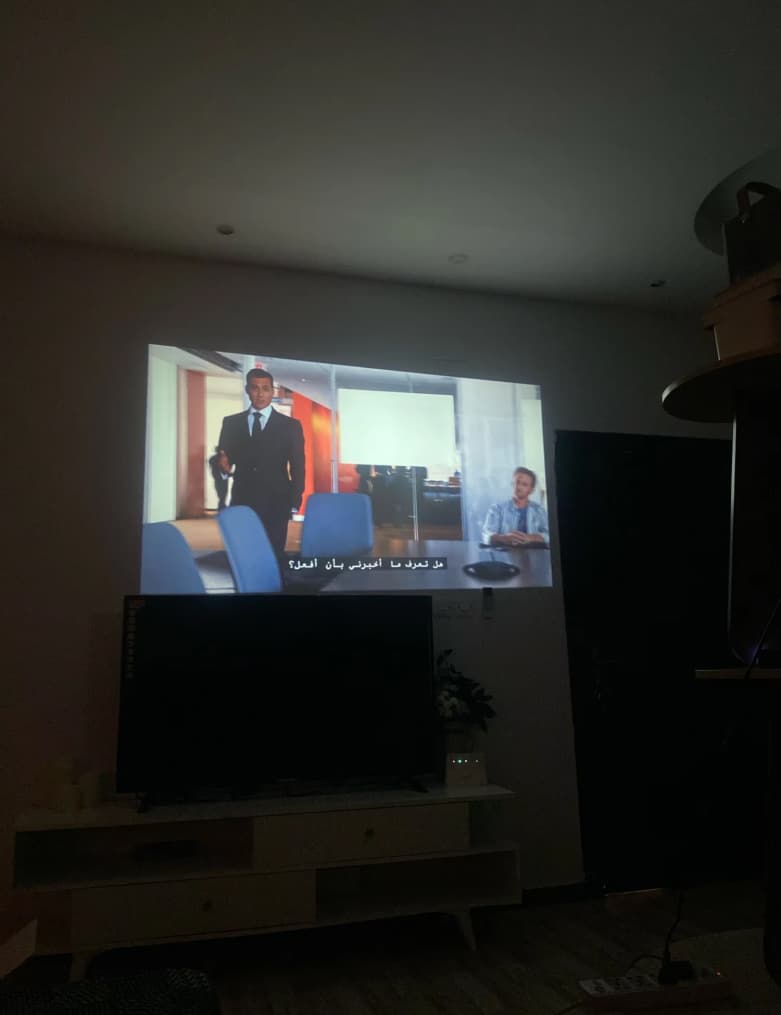
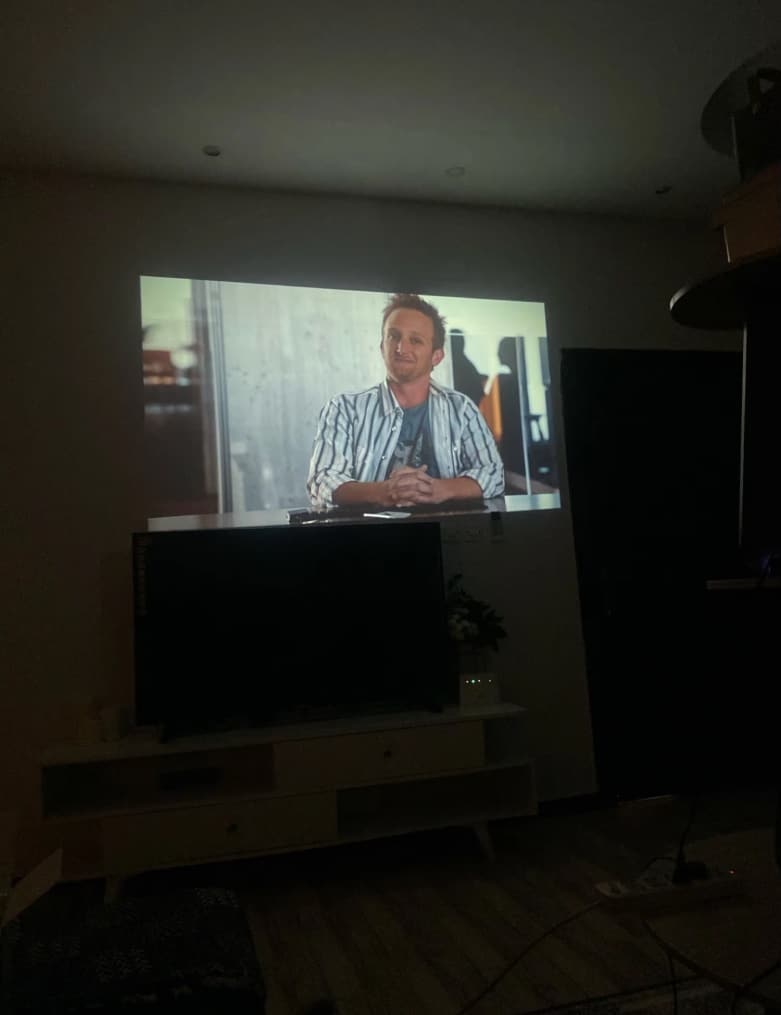
The WeezoRix Short Throw Projector delivers a truly immersive home cinema experience from just a few feet away, eliminating the need for a large, empty wall. Its advanced optical technology projects a massive, bright image with native 720p resolution, pulling you into the action of movies, sports, and games without the clutter of cables and equipment typically associated with traditional projectors.
Tired Of Complicated Projector Setups And Alignment?
Forget the frustration of manual knobs and blurry images. The WeezoRix projector features remote-controlled electric focus, allowing you to achieve pin-sharp clarity instantly from your seat. This innovative feature, combined with versatile mounting options for tabletop or ceiling use, makes setup incredibly simple and hassle-free, so you can start enjoying your content faster than ever before.
Worried About Connectivity And Streaming Options?
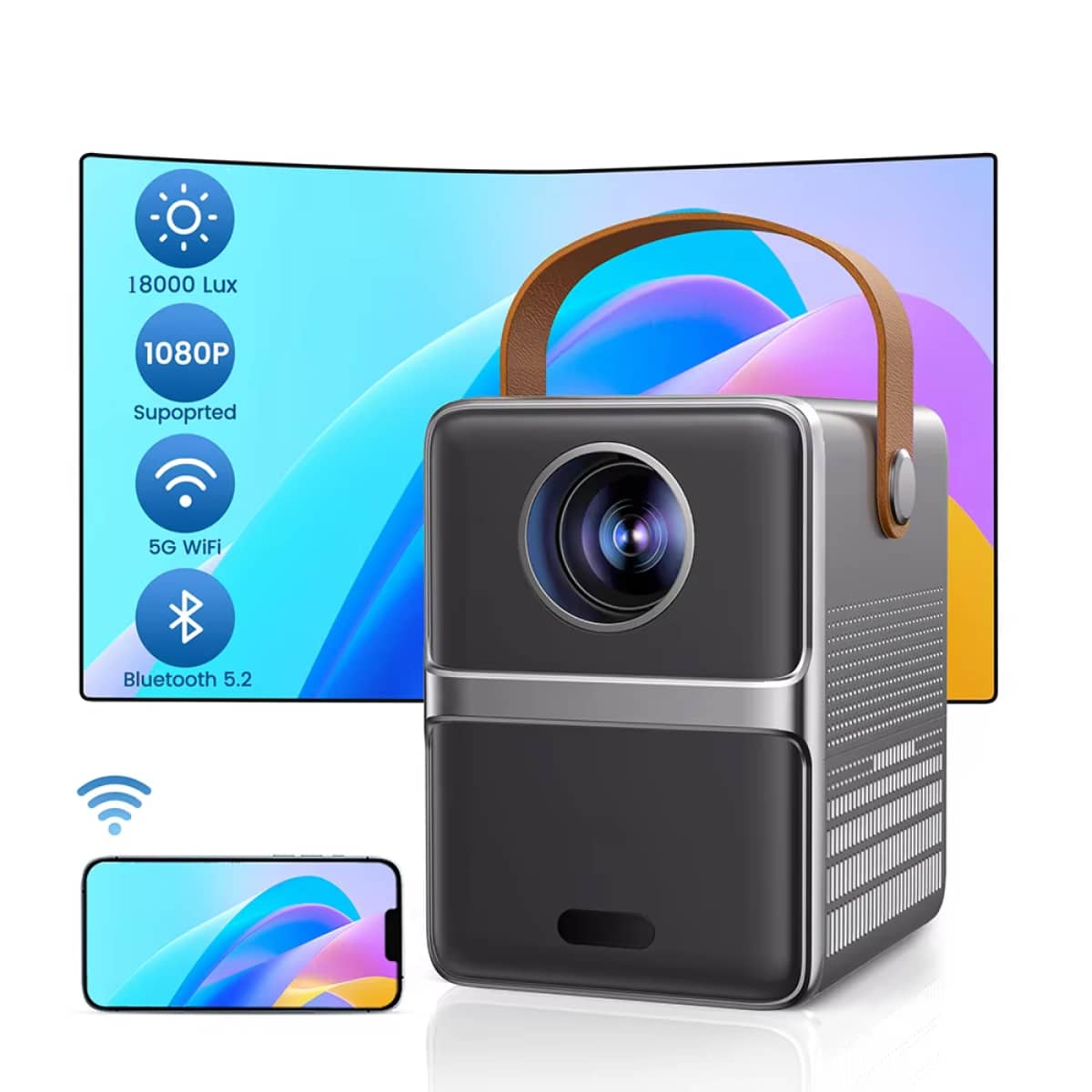
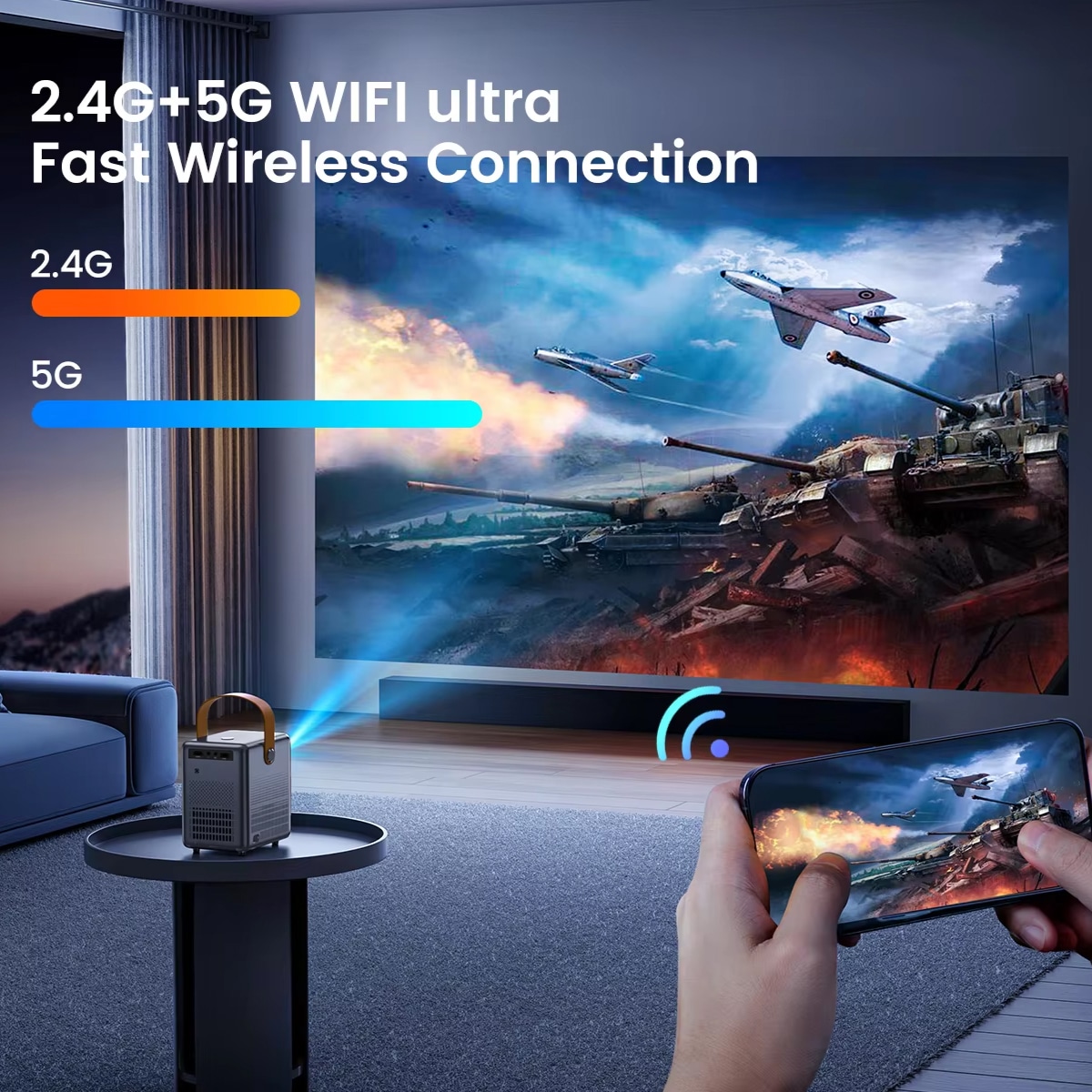
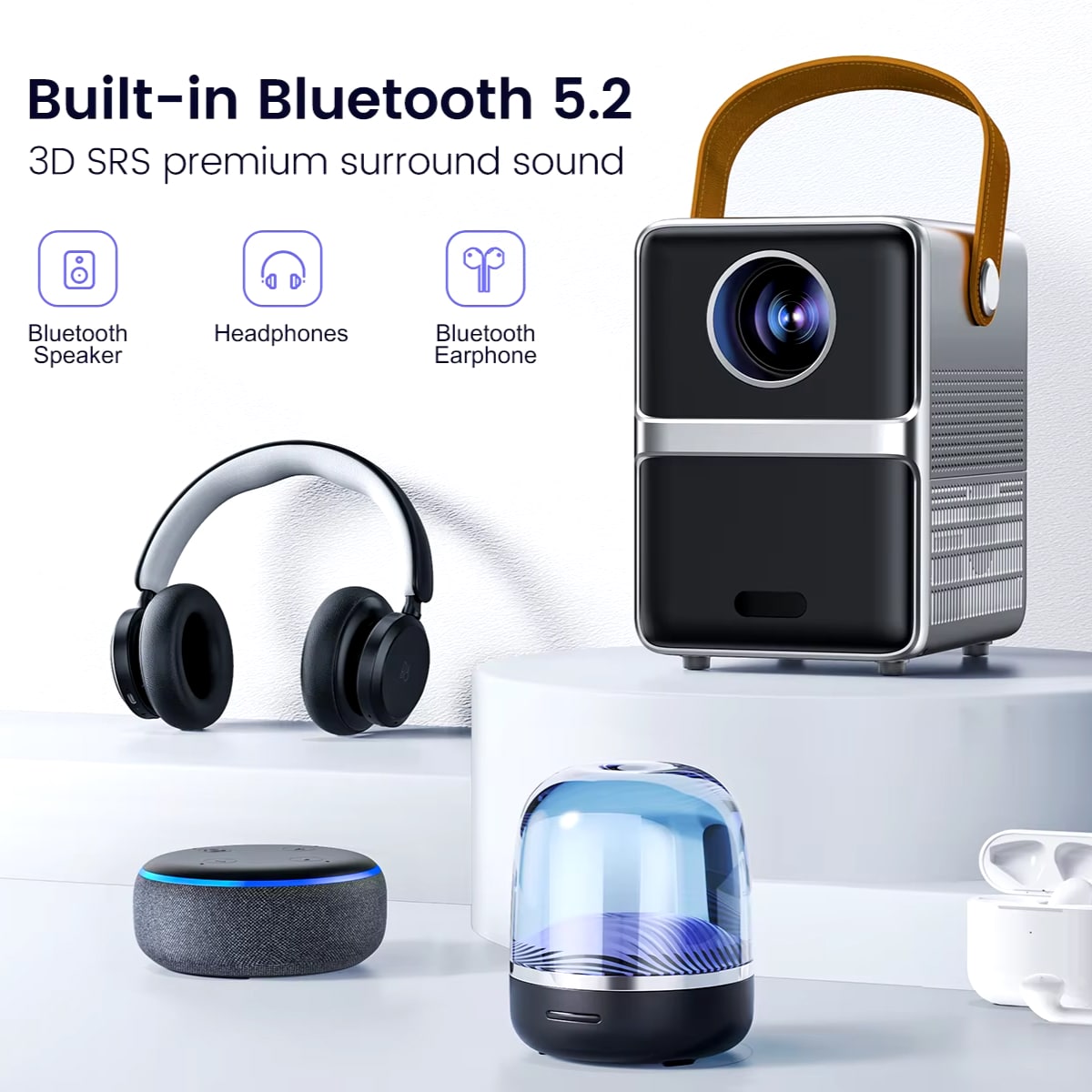
The WeezoRix projector eliminates connectivity worries with its integrated dual-band WiFi and advanced Bluetooth 5.2 technology. This allows for seamless wireless streaming from your favorite services like Netflix and YouTube, plus easy audio pairing with external speakers. You can effortlessly mirror your smartphone, tablet, or laptop screen for presentations or shared viewing, making it a versatile hub for all your entertainment needs.
Join 50,000+ Homes Transforming Entertainment with WeezoRix
4.8 rating based on total orders
Designed for Modern Living: Sleek, Smart, and Incredibly Simple to Use
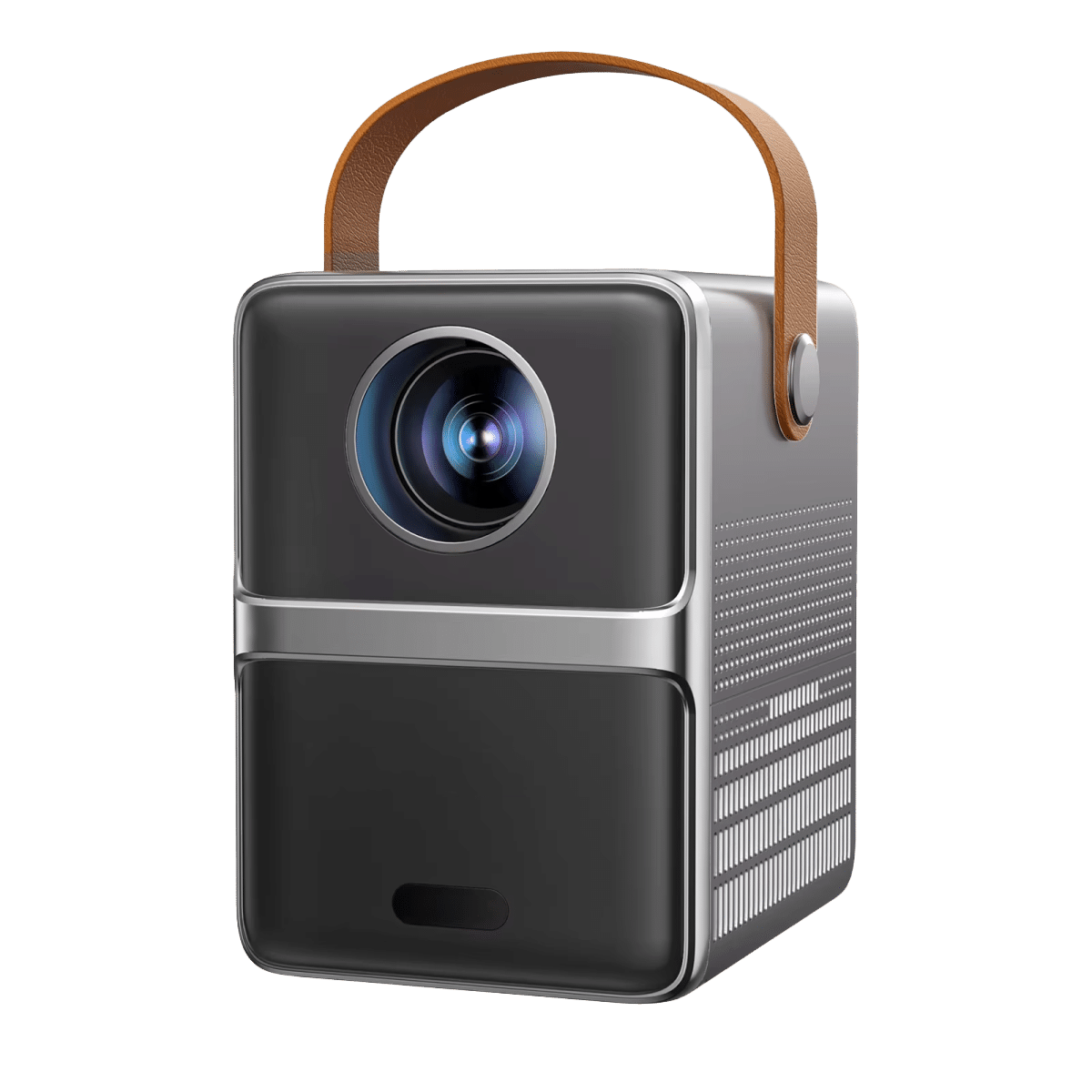
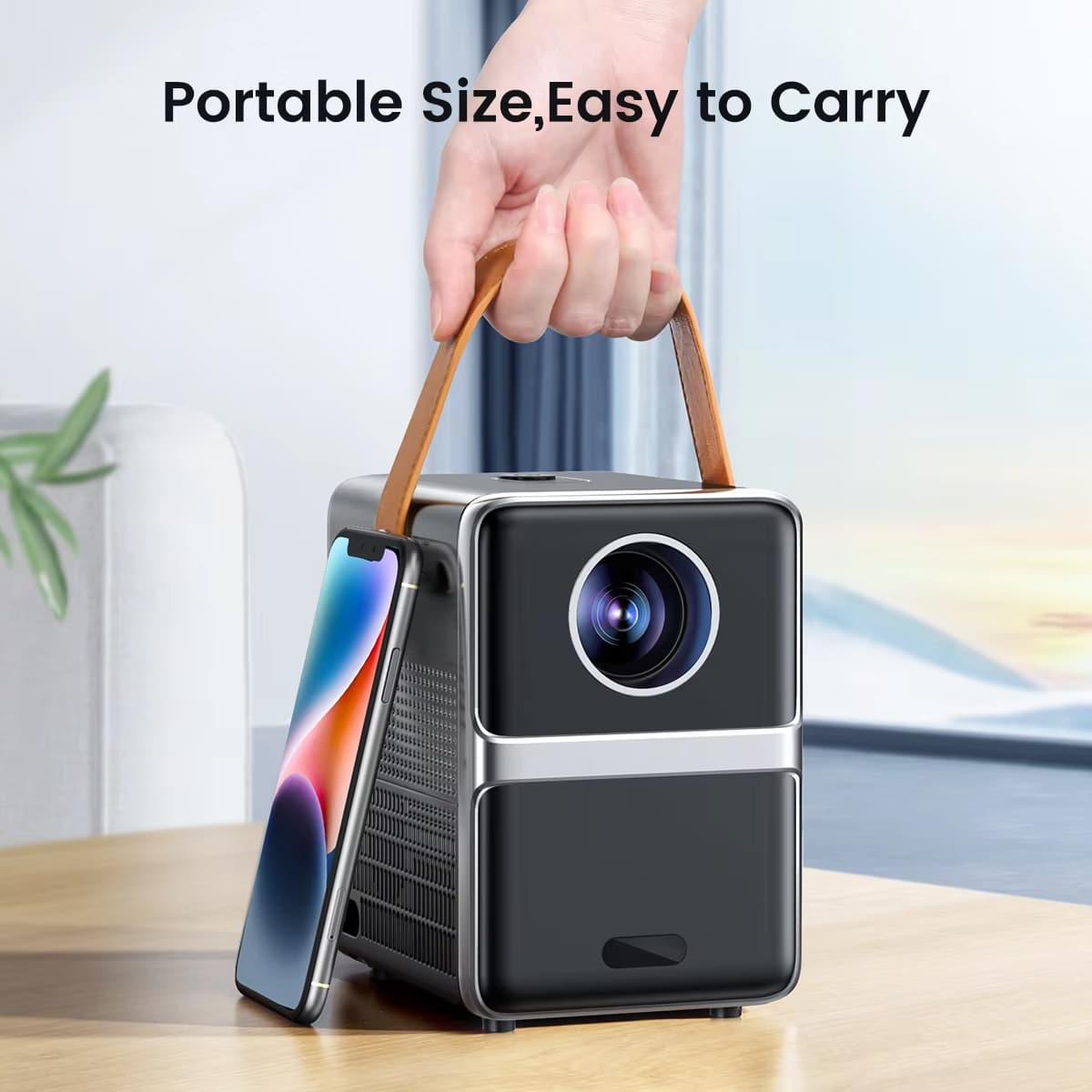
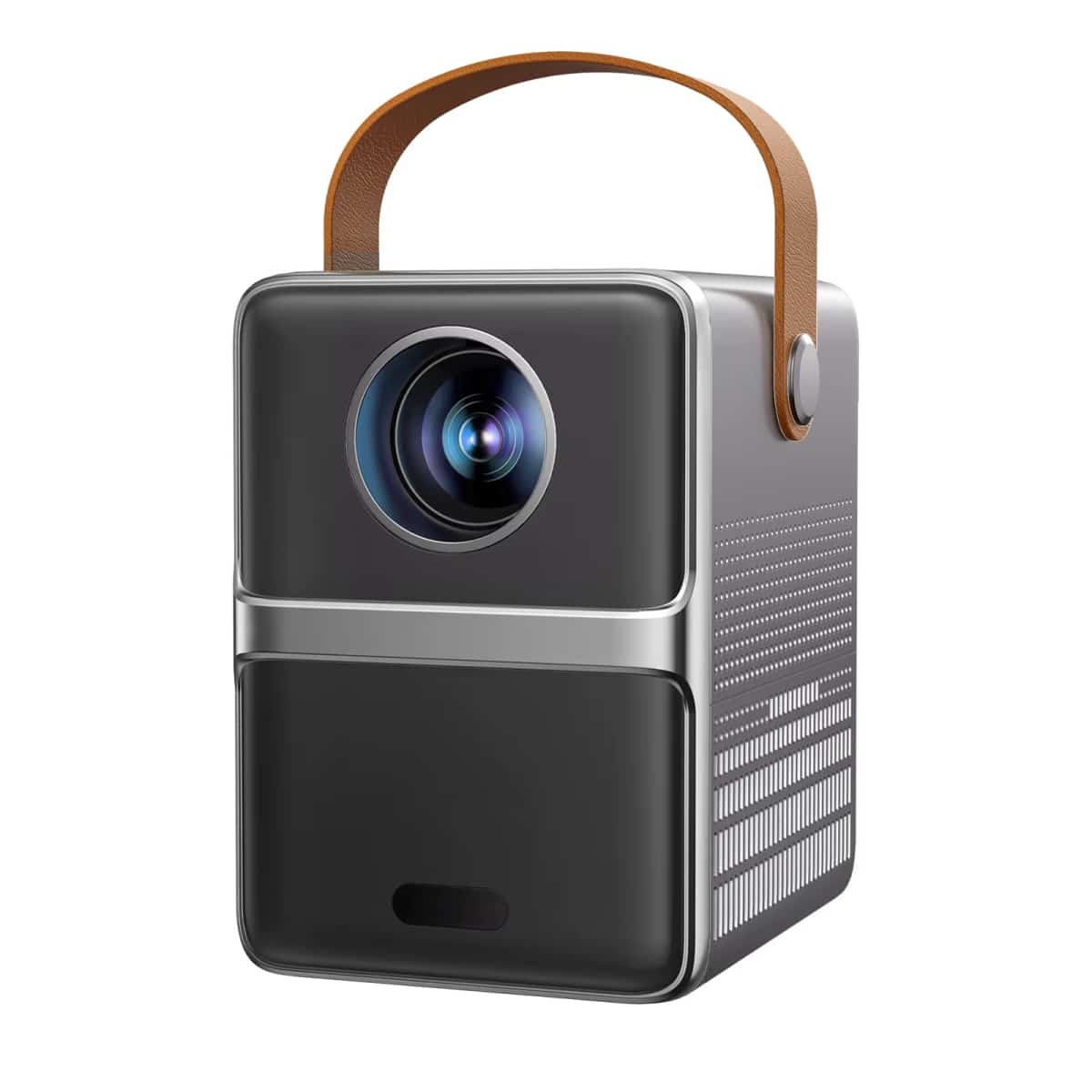
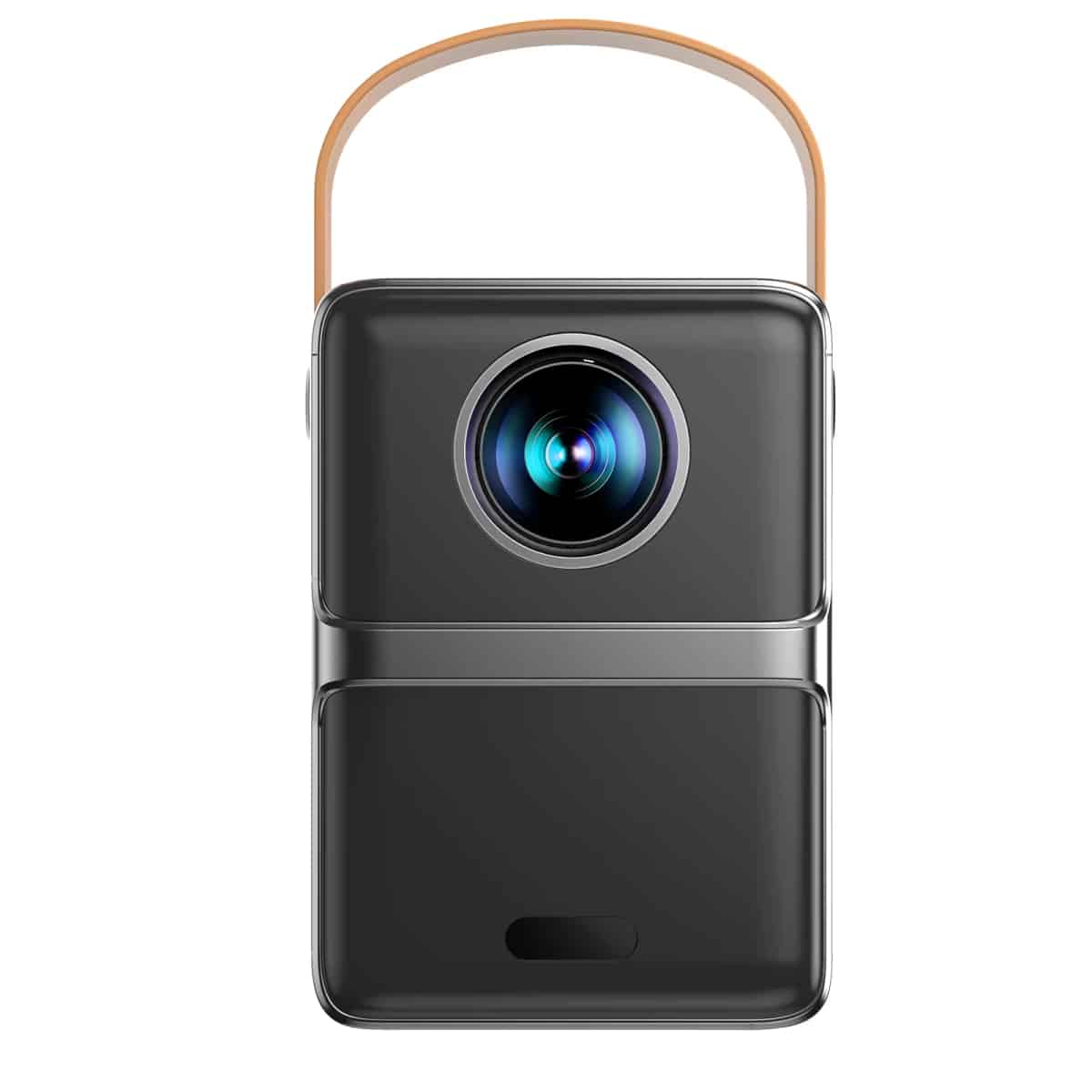
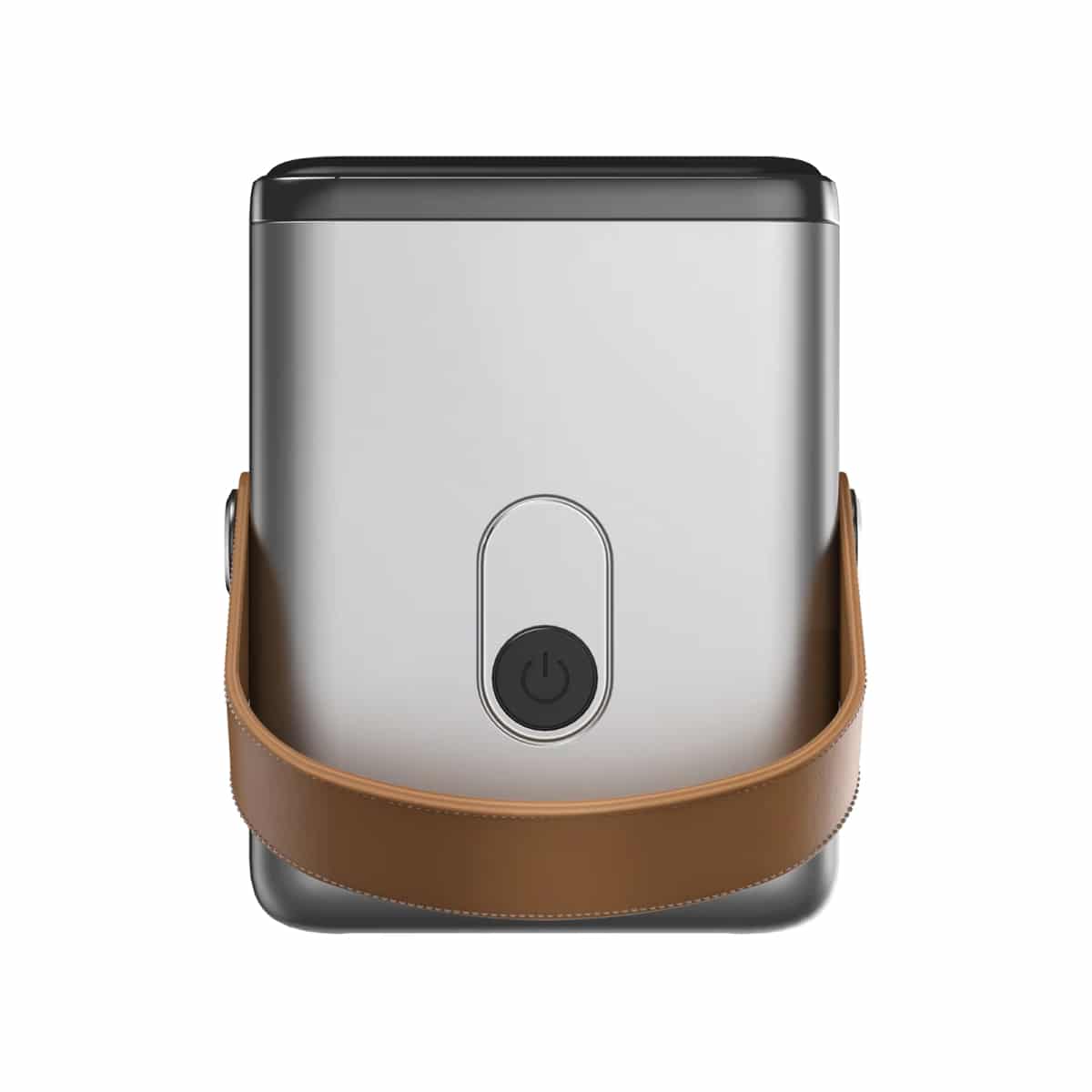
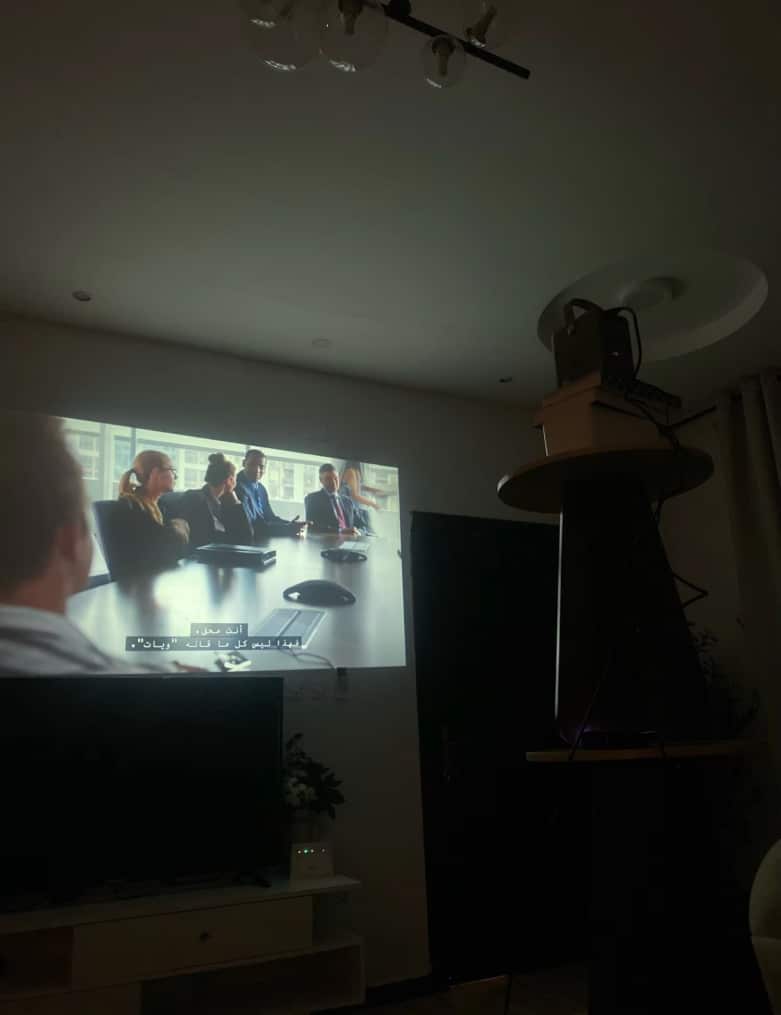
Beyond its stunning picture, the WeezoRix projector is designed for ultimate convenience. Its compact, lightweight form factor and integrated carry handle make it easy to move from the living room to the backyard, ensuring your big screen experience is always within reach.
The WeezoRix projector impresses with its robust build quality, vibrant color accuracy, and remarkably quiet operation, setting a new standard for compact projectors in its class.
Six Reasons Your Home Entertainment Needs the WeezoRix Short Throw Projector
WeezoRix FEATURES ALL YOU CAN EXPECT:
SPACE-SAVING SHORT THROW DESIGN
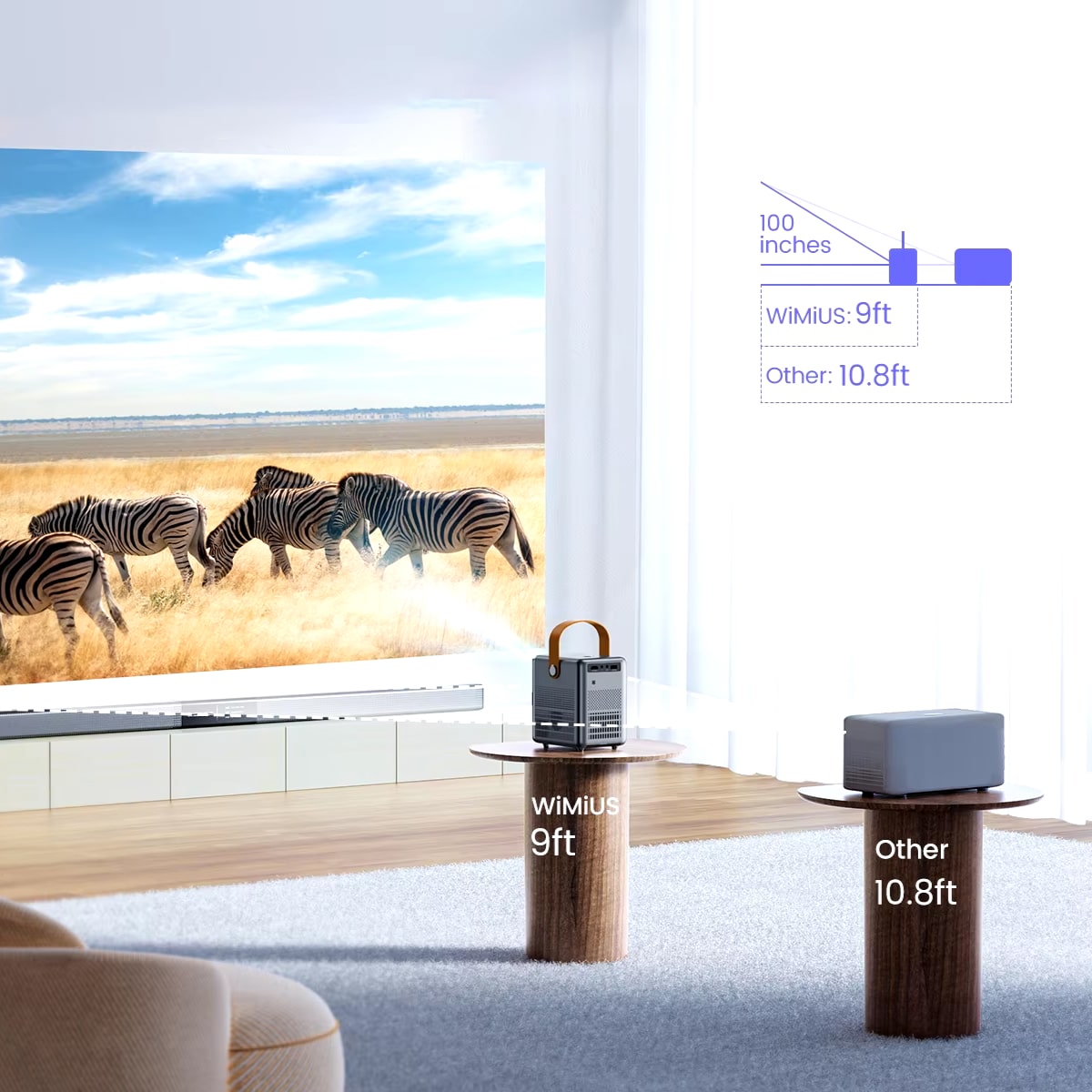
The innovative short throw design of the WeezoRix projector allows you to project a large, immersive image from just a short distance away. This means you can enjoy a big-screen experience even in smaller rooms without rearranging your entire space or dealing with shadows.
CRYSTAL-CLEAR 720P HD
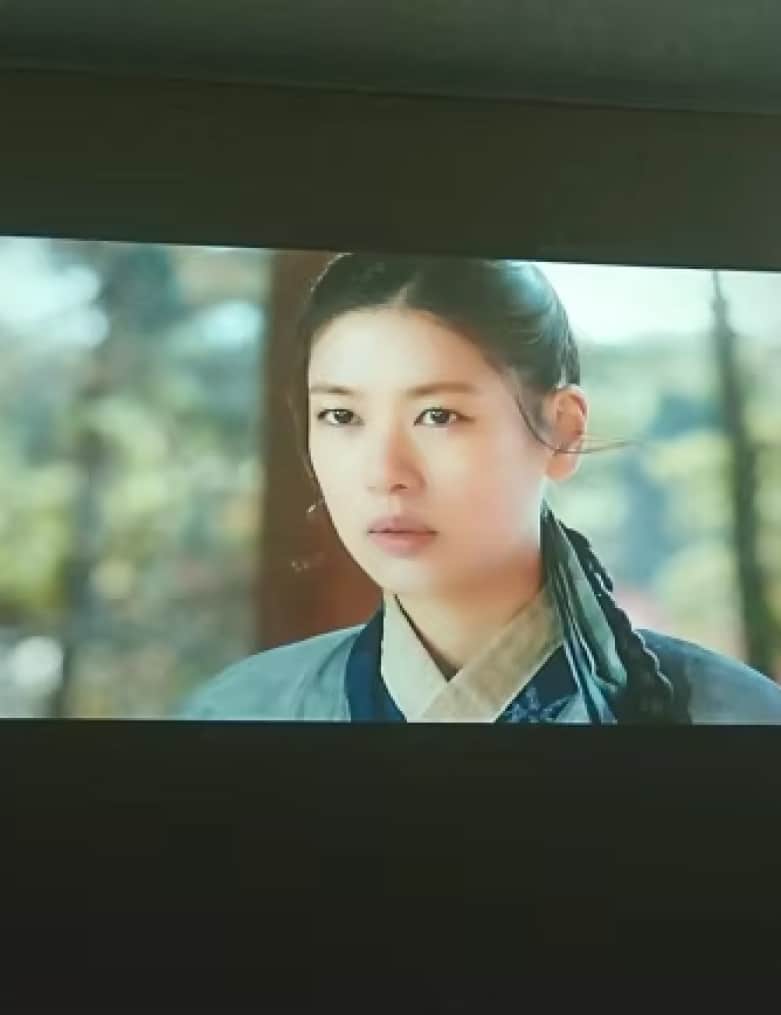
Experience your favorite movies and shows in stunning detail with native 720p high-definition resolution. The WeezoRix projector delivers sharp, vibrant images with excellent color reproduction, ensuring every scene is displayed with clarity and depth for a true cinematic feel.
EFFORTLESS WIRELESS CONNECTIVITY
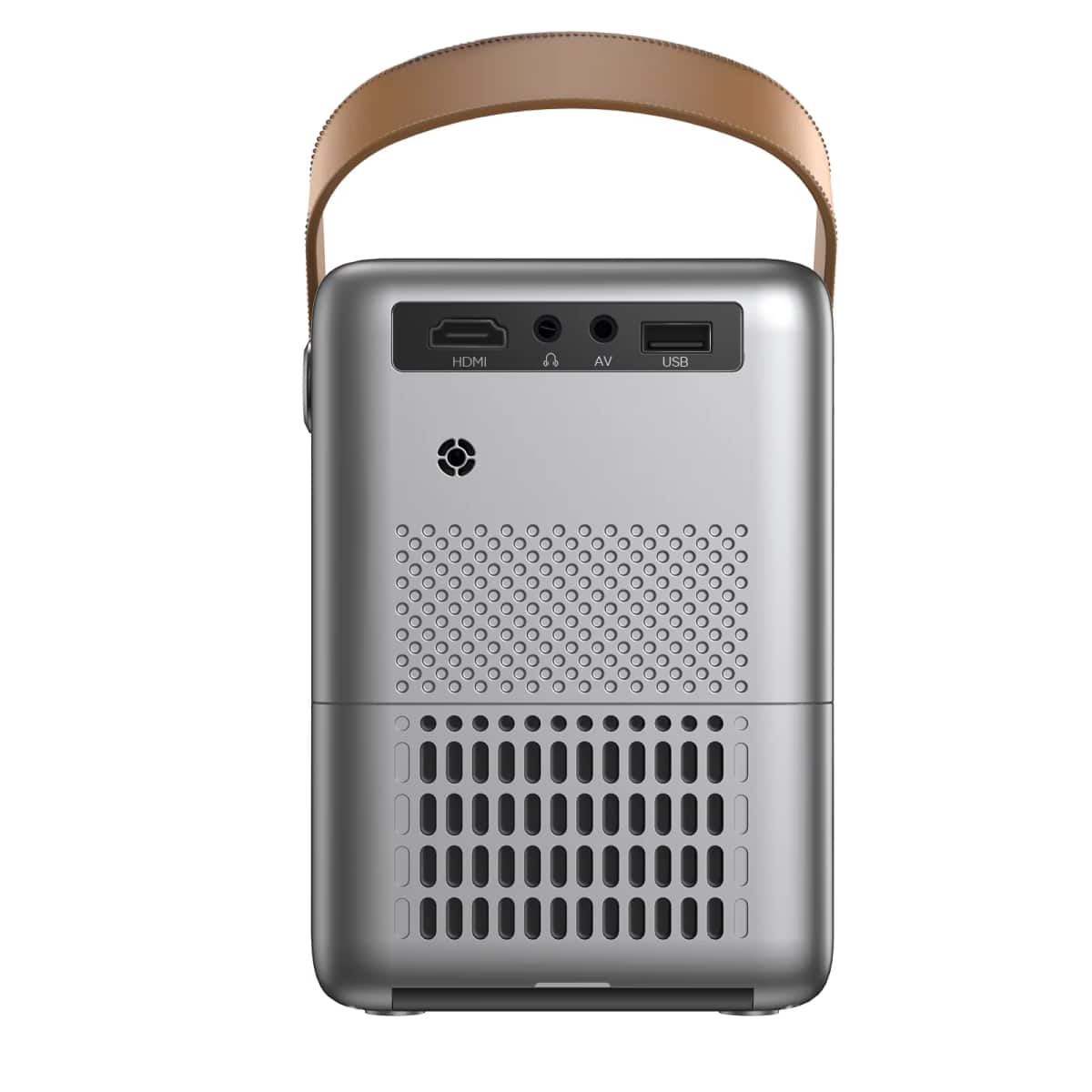
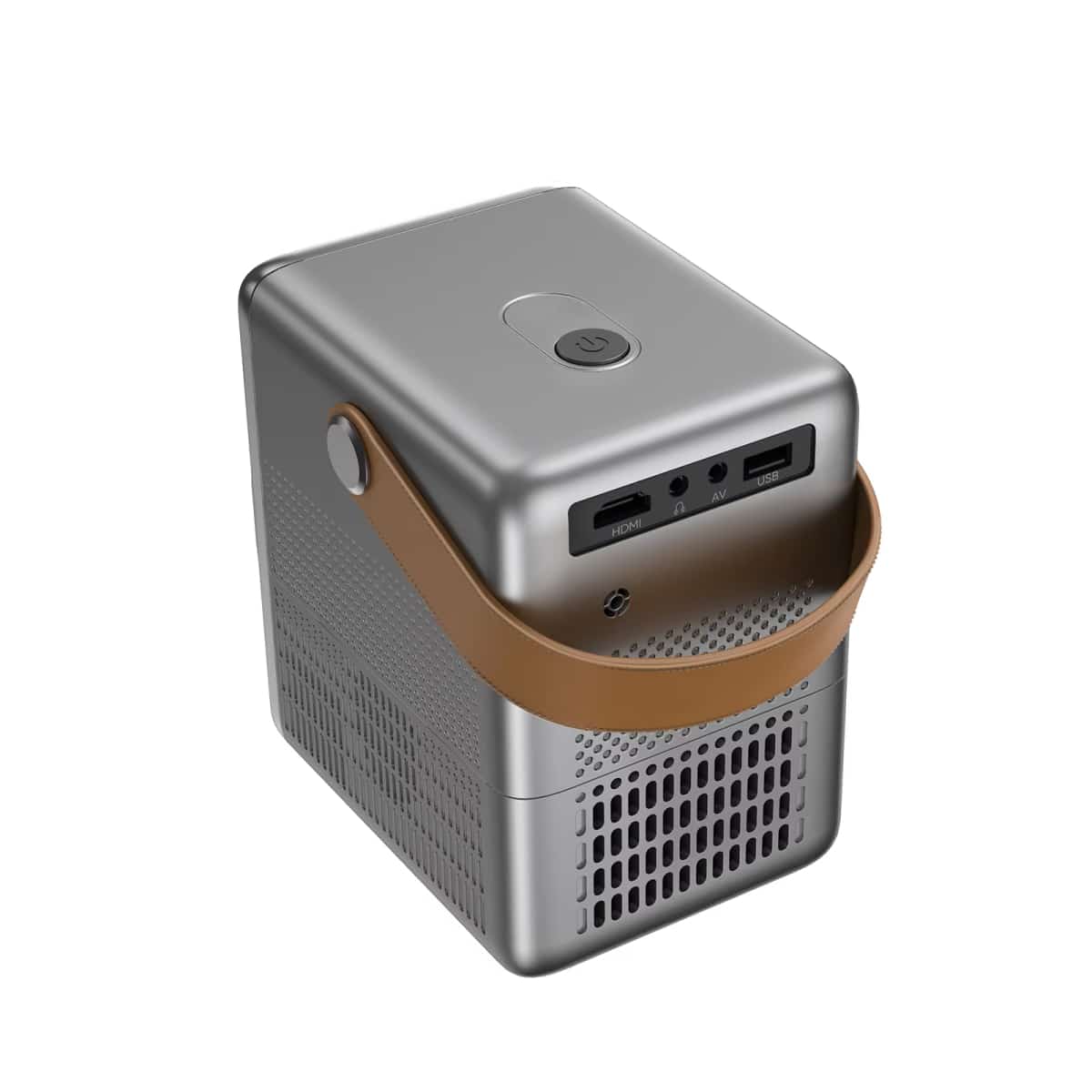
With built-in dual-band WiFi and Bluetooth 5.2, the WeezoRix projector offers seamless wireless streaming and audio pairing. You can easily connect your devices without a tangled mess of cables, making it simple to enjoy content from various sources instantly.
INSTANT FOCUS PRECISION
Achieve perfect image clarity in seconds with the remote-controlled electric focus feature. This allows you to make precise adjustments from anywhere in the room, eliminating the need for manual tweaking and ensuring a perfectly sharp picture every time you use it.
TRUE PORTABILITY AND VERSATILITY
Designed for life on the go, the compact and lightweight WeezoRix projector features a convenient carry handle. You can effortlessly take your entertainment from the living room to a friend’s house or even outdoors for movie nights under the stars.
USER-FRIENDLY SETUP AND OPERATION
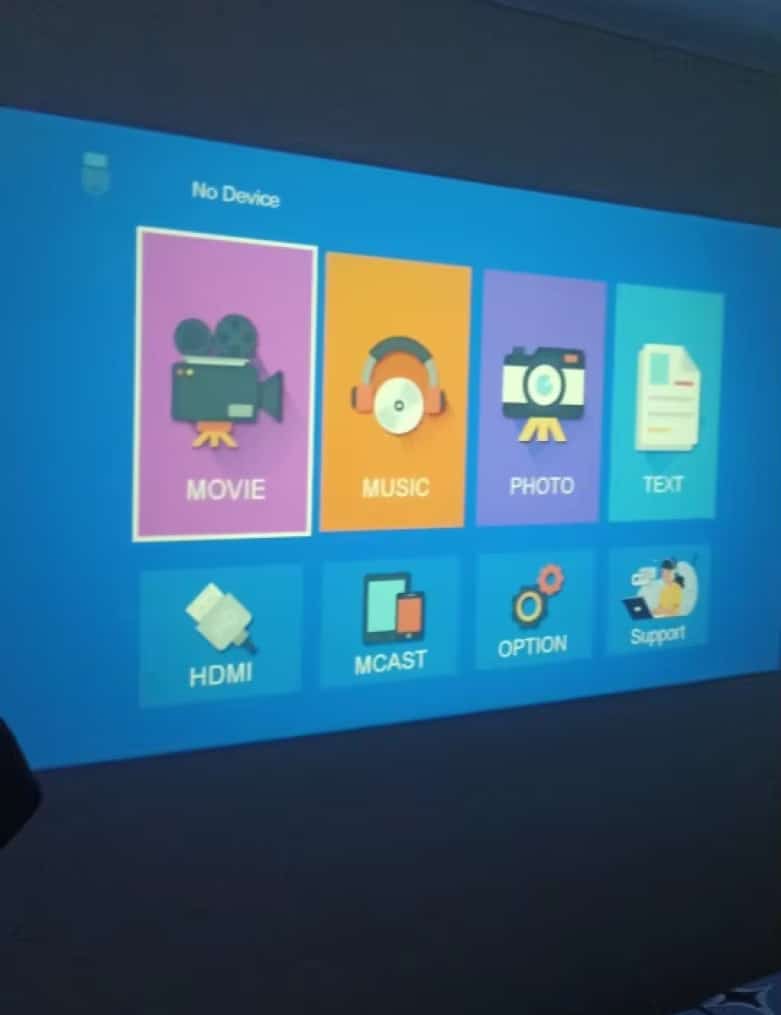
The WeezoRix projector is built for simplicity, with an intuitive interface and multiple mounting options. You can have it up and running in minutes, making advanced home theater technology accessible to everyone, regardless of their technical expertise.
Image Gallery
What's Included in the WeezoRix?
WeezoRix Projector
Remote Control
Power Cord
3-in-1 AV Cable
HDMI Cable
Instructions
24/7 Customer Support
Our top-rated customer service team is available seven days a week to address your questions via email or live chat. Simply reach out to us, and we’ll gladly assist you.
MEET THE WeezoRix
Frequently Asked Questions
−How far does the WeezoRix Short Throw Projector need to be from the wall?
The WeezoRix Short Throw Projector can project a 100-inch image from approximately 5 to 6 feet away from the wall or screen, making it ideal for smaller spaces where traditional projectors wouldn't fit.
+Can I connect my iPhone to the WeezoRix projector wirelessly?
Yes, you can easily connect your iPhone to the WeezoRix projector wirelessly using screen mirroring via the built-in dual-band WiFi, allowing you to stream content directly from your phone without any cables.
+What is the difference between native 720p and supported 1080p on the WeezoRix?
Native 720p means the WeezoRix projector's display chip is 720p, providing the sharpest image at that resolution. It can accept a 1080p signal but will downscale it to display at its native 720p resolution for optimal performance.
+Does the WeezoRix projector have built-in speakers for audio?
Yes, the WeezoRix projector features integrated stereo speakers that provide clear audio for personal viewing. For a more immersive experience, you can connect external speakers via the Bluetooth 5.2 or audio-out jack.
+How do I clean the lens on my WeezoRix projector safely?
To safely clean the WeezoRix projector lens, first ensure the device is off and cool. Gently use a soft, dry lens brush or microfiber cloth to remove dust; avoid using liquids or harsh chemicals that could damage the coating.
+Can the WeezoRix projector be used for professional presentations?
Absolutely, the WeezoRix projector is excellent for professional presentations thanks to its easy connectivity with laptops and smartphones, remote control focus, and portable design that makes it perfect for office meetings or client pitches.
+Is the WeezoRix projector suitable for use in a well-lit room?
The WeezoRix projector performs best in dimly lit or darkened rooms for optimal image quality. While it can be used in well-lit environments, we recommend controlling ambient light for the most vibrant and clear picture possible.
+How does the auto keystone correction feature work on the WeezoRix?
The auto keystone correction on the WeezoRix projector automatically detects the projection angle and digitally adjusts the image to appear as a perfect rectangle, correcting for distortions when the projector isn't perfectly aligned with the screen.
TOP #1 FAVORITE Short Throw Projector
Trusted By Thousands Of Satisfied Customers
Michael Rodriguez
I am absolutely blown away by the WeezoRix projector’s performance. The picture quality is incredibly sharp and vibrant, and the short throw feature is a game-changer for my small apartment. Setting it up was a breeze with the remote focus, and I love how I can stream directly from my phone. It truly feels like having a private cinema at home.
VERIFIED BUYER
Sarah Jenkins
This projector has completely transformed our family movie nights. The convenience of the carry handle means we can easily move it from the living room to the backyard for summer screenings. The wireless connectivity works flawlessly, and the image remains clear even on a larger scale. The build quality feels premium, and it’s surprisingly quiet during operation.
VERIFIED BUYER
James Kim
As someone who frequently travels for work, the portability of the WeezoRix projector is a huge advantage. The compact design fits perfectly in my carry-on, and the dual-band WiFi allows me to set up presentations anywhere. The electric focus feature ensures a crisp image every time, making me look professional in front of clients. It’s an incredibly versatile tool.